[X calibration], [Y calibration], [Z calibration]
Learn more on chapter 2.3.3.
[Manual]
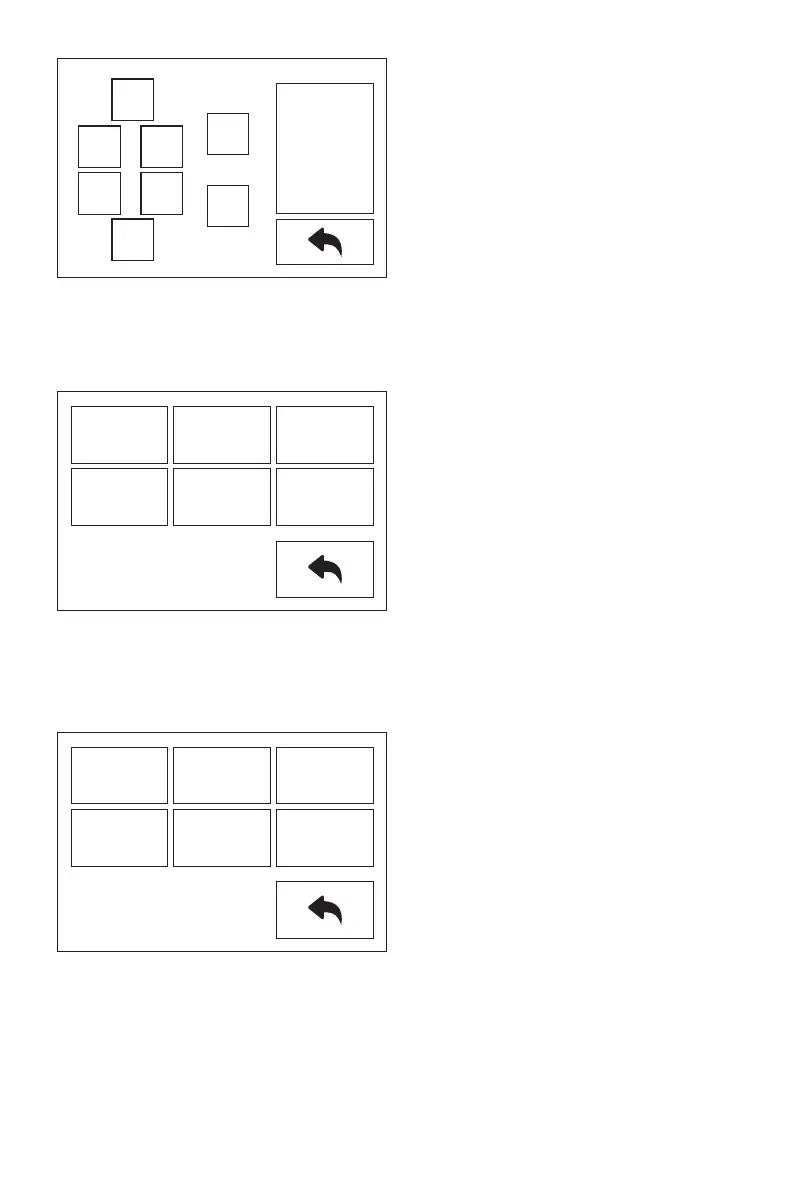
Tap the touchscreen to control XYZ axis movement.
[Setting]
Setting interface included X calibration, Y calibration, Z calibration, Expert mode,
Language and FactoryReset.
XR:0.00
XL:-135.00
Y:0.00
Z:20.00
Z-
Z+
XR-
XL-
Y+
Y-
XR+
XL+
26
X
Calibration
Y
Calibration
Z
Calibration
Expert
Mode
Language
FactoryReset
X
Calibration
Y
Calibration
Z
Calibration
Expert
Mode
Language
FactoryReset















 To Next Page