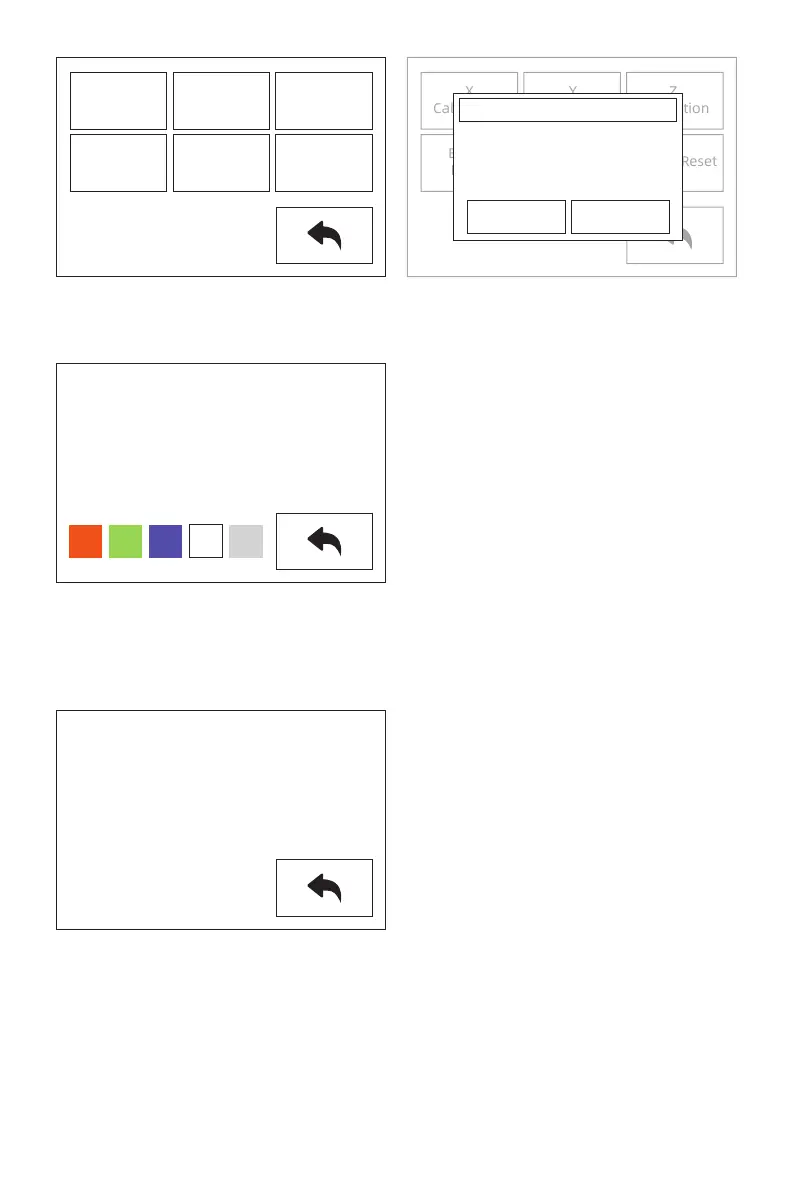
[About]
The basic information of the device is displayed. The details of the information are subject
to the actual display of the device.
You can view the device firmware version number; print volume size; cumulative printing
time, etc.
Note: Please offer series number to the after-sales engineers, when you applied for
after-sales service.
[FactoryReset]
After tapping, all settings will be restored to the factory settings.
[Status]
Extruder and platform temperature, and XYZ axis coordinates show in the status. Click on
the lamp status bar, the ambient light in the cavity of the device will change according to
the settings.
L Extruder:159℃
R Extruder:135℃
Platform:45℃
XR:138.24
XL:-138.24
Y:-77.50
Z:31.00
Machine Name:My 3D Printer
Machine Type:Flashforge Creator Pro 2
Firmware Version:V1.2 20200420
Print Volume:200x148x150
Usage counter:58hours
Tool Count:2
X
Calibration
Y
Calibration
Z
Calibration
Expert
Mode
Language
FactoryReset
X
Calibration
Y
Calibration
Z
Calibration
Expert
Mode
Language
FactoryReset
Operation Confirm
Yes No
Reset the default value of
factory?
28















 To Next Page