36
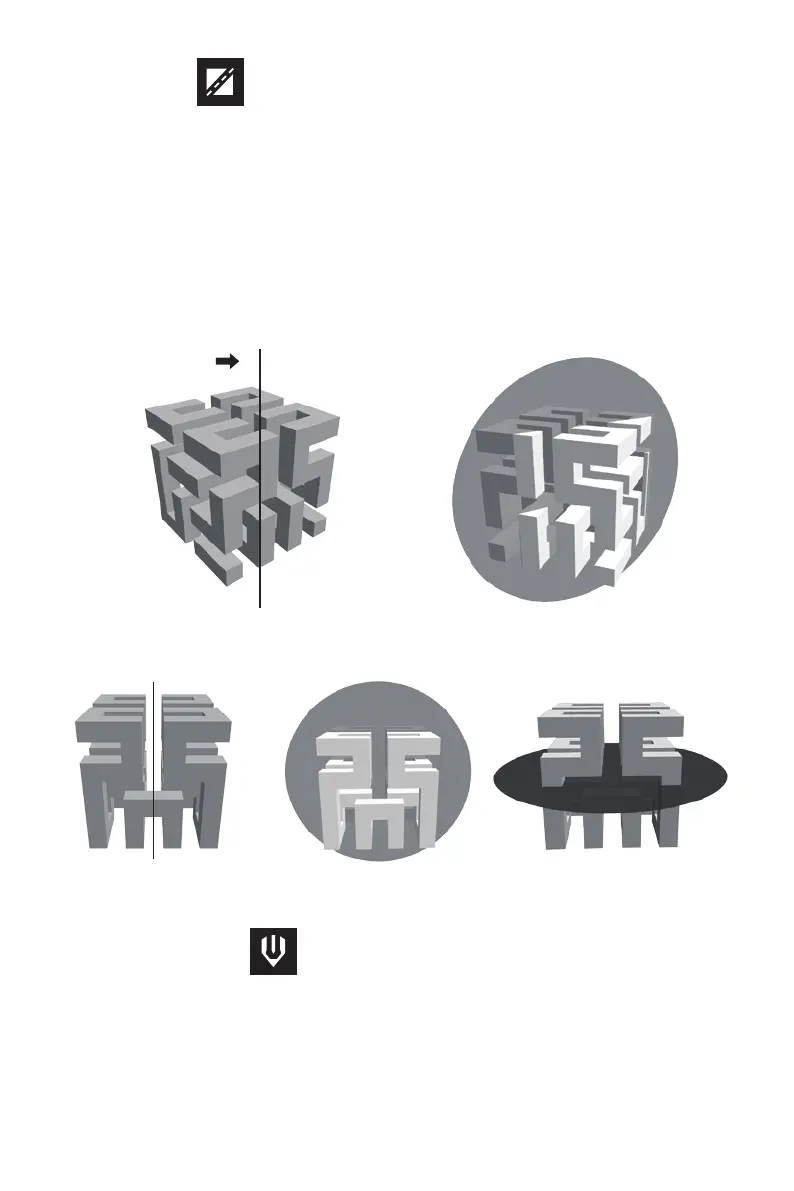
Click on the model to select it and click on the Cut icon to set the cut plane. The direction
and position are available for setting. There are two options that draw with mouse or cut
by XYZ direction. Input the number on the position setting to cut the specified place of
model.
1.Draw with mouse
2.X Plane 3.Y Plane 4.Z Plane
FlashPrint creates the cut plane automatically by draw the cut line with mouse. Rotate the
view to check the cut plane.
There are left and right extruders. Choose the model first and click extruder icon, then the
extruder setting menu will pop up. It is necessary to choose left or right extruder before
printing.
Cut line Cut plane view















 To Next Page