1.Changing Views
Change model views by moving, rotating, scaling.
Drag
Click the [View] icon and then you can move the object by the following three methods:
Method 1:Hold down the left mouse button and drag.
Method 2:Hold down the mouse wheel and scroll up and down.
Method 3:Hold down the Shift key, hold down the right mouse button and drag.
Rotate
Click the [View] icon and then you can rotate the object by the following two methods:
Method 1: Hold down the right mouse button and drag.
Method 2: Hold down the Shift key, hold down the left mouse button and drag.
Scale
Scroll the mouse wheel to enlarge or shrink the build plate.
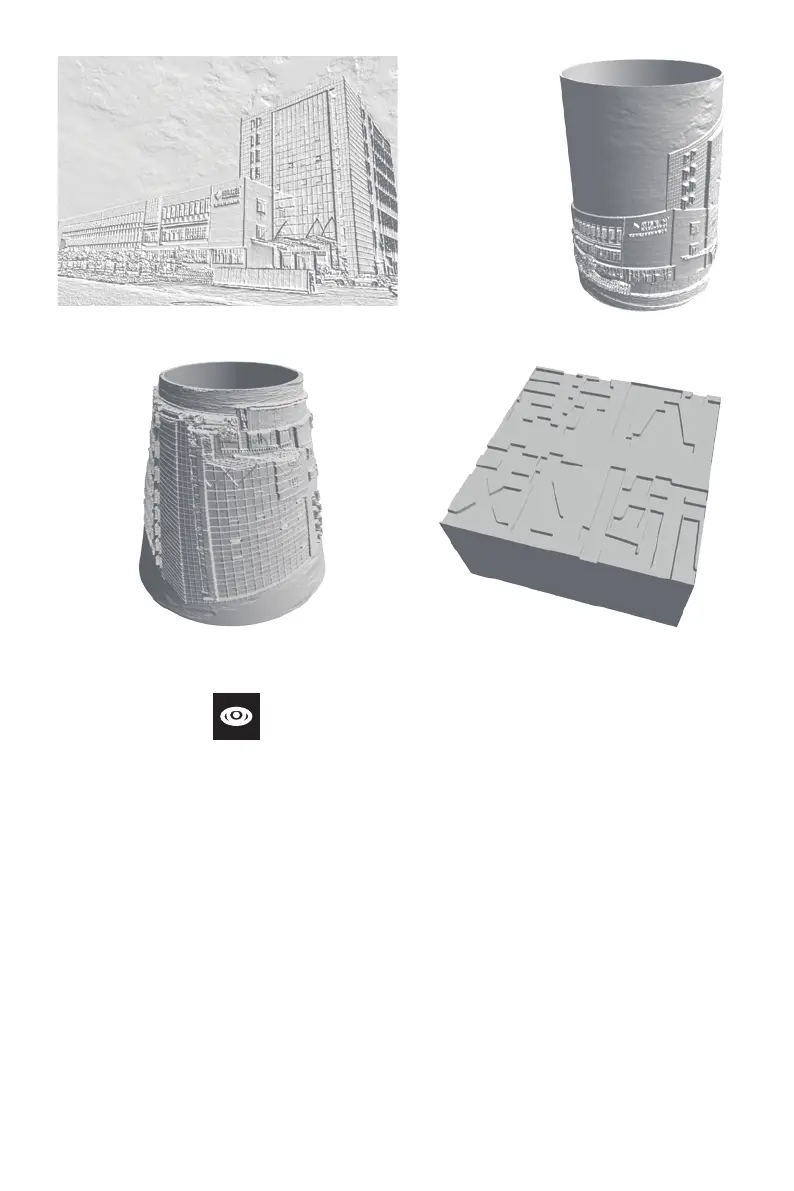
Plane
Lamp
Tube / Canister
Seal
33















 To Next Page