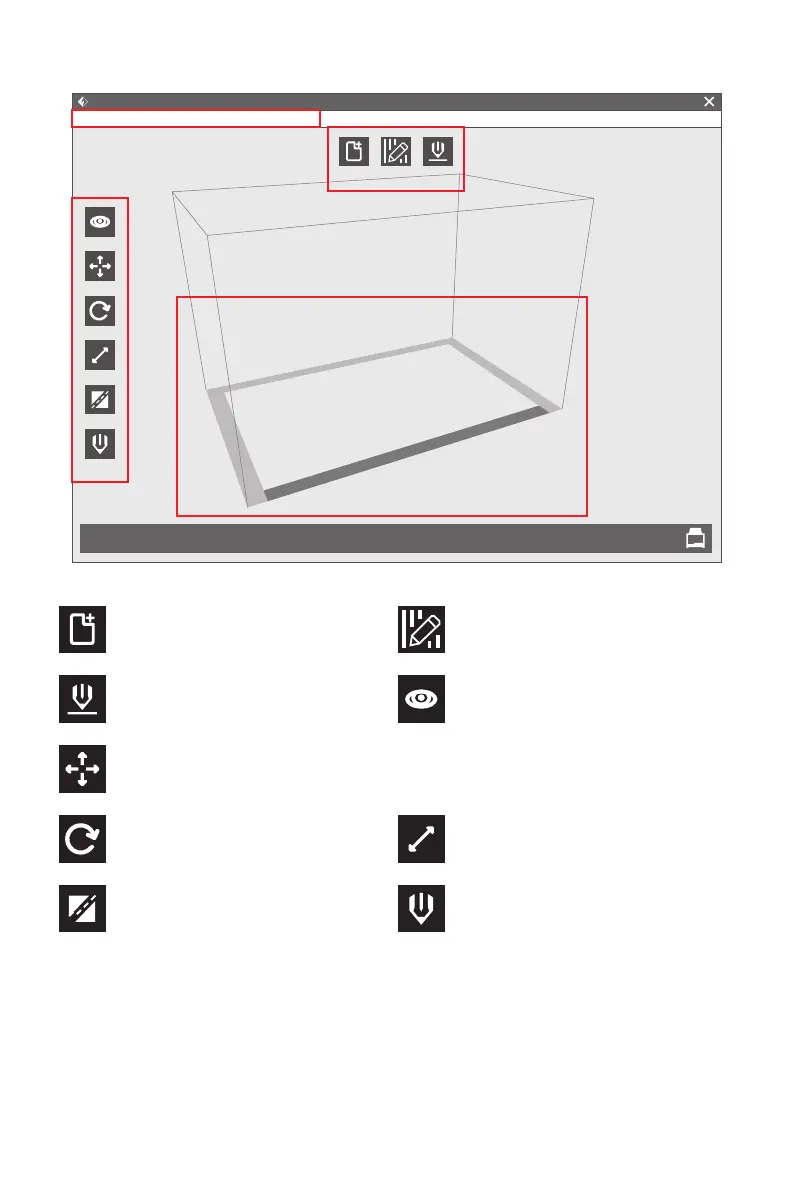
Load:
Only load one file once
Support:
Enter into the support edit mode
Print:
Print it directly with your Creator
Pro or export to your USB Stick
Move:
Move model around on XY- axis; shift+click to move along Z axis
View:
View FlashPrint home screen from
one of six viewing angles
Rotate:
Turn and rotate your model
Scale:
Scale the size of your object
Cut:
Cut model into several parts
Extruder:
Chose left or right extruder before
setting parameter
FlashForge Creator Pro 2
Flashprint - untitle.fpp
File(F)
Load
View
More
Rotate
Scale
Cut
Extruder
Supports Print
Edit(E) Print(P) View(V) Tools(T) Help(H)
31















 To Next Page