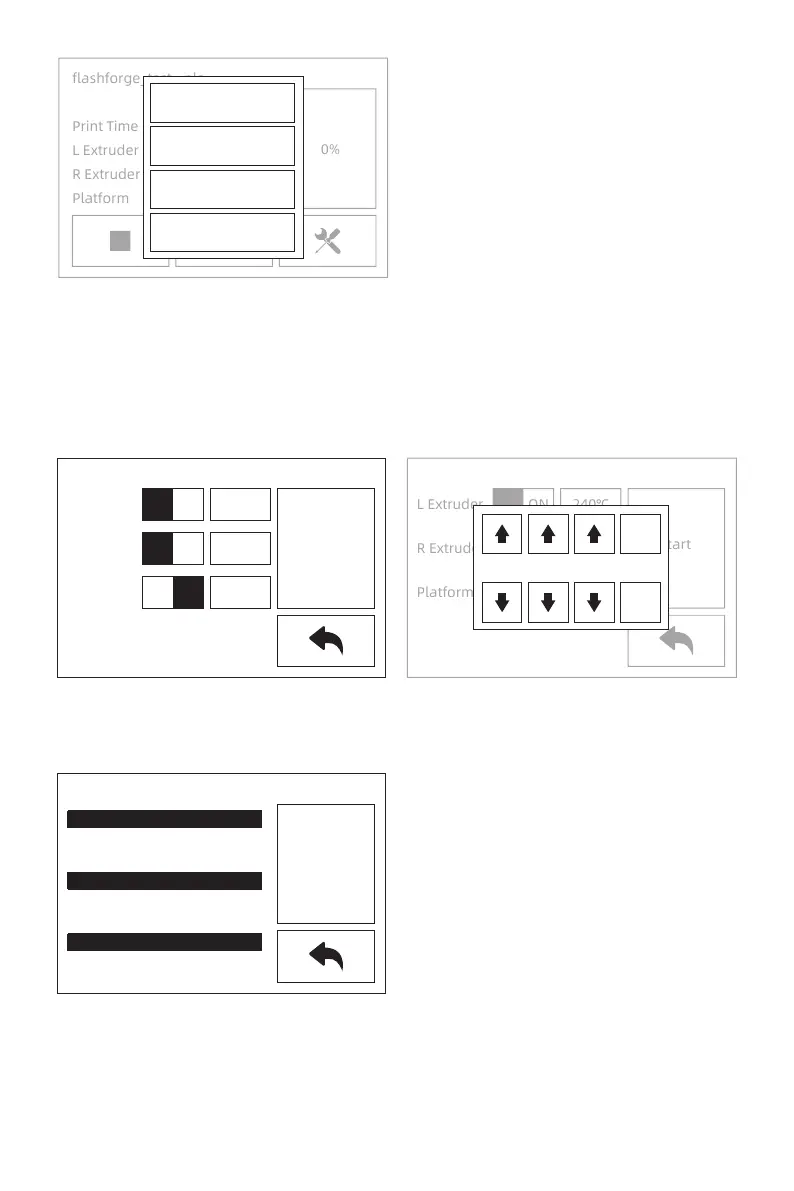
Preheat Interface
1.
2.
Tap [Preheat] to preheat the extruder or platform; Setting the targeted heat tempera-
ture by tap the touchscreen.
Tap [Stop] to stop heat; Tap back arrow to back to the superior window; When reaching
the targeted heat temperature and there is no more action, the preheat will stop.
L Extruder
R Extruder
Platform
240℃
240℃
120℃
ON
ON
OFF
Start
L Extruder
R Extruder
Platform
240℃
240℃
120℃
ON
ON
OFF
Start
Stop
L Extruder 240℃ / 240℃
R Extruder 240℃ / 240℃
Platform 120℃ / 120℃
2
Yes
No
4 0
23
3. Tap [More] to stop print or change filament in the process of printing.
flashforge_test--pla
Print Time
L Extruder
R Extruder
Platform
0:00
24℃ / 205℃
24℃ / 205℃
30℃ / 50℃
0%
Filament
Stop Left
Stop Right
Cancel















 To Next Page