2.4 Test Model Printing
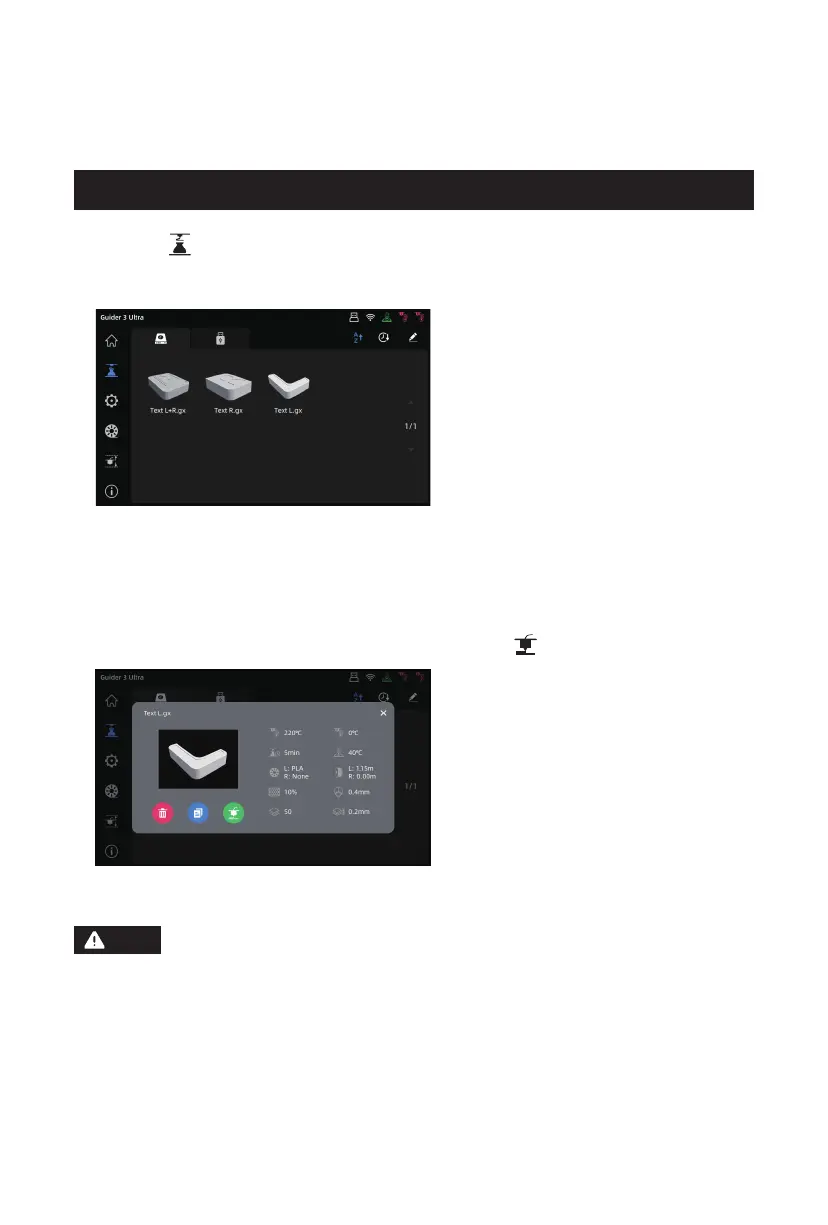
1. Click the [ ] icon on the left to enter the [Printing] interface. Inside the machine, there
are three test models: Test L.gx (left-extruder printing test model), Test R.gx (right-
extruder printing test model), and Test L+R.gx (dual-extruder printing test model).
2. Before printing, please ensure the nozzle corresponding to the test model is loaded
with filament. Select the model file, and then click the [ ] icon to start printing.
Please select the Test L.gx model for the printing test as the left extruder is the default
extruder for loading filament during the startup guide. To print the Test R.gx (right-
extruder printing test model) or Test L+R.gx (dual-extruder printing test model), first
load filament for the corresponding extruder before starting the printing test. Please
also perform XY offset calibration of the left and right nozzles before using dual-
extruder printing for the first time, following the steps in Section 4.3 Dual-Extruder
Printing Mode.
Note
14















 To Next Page