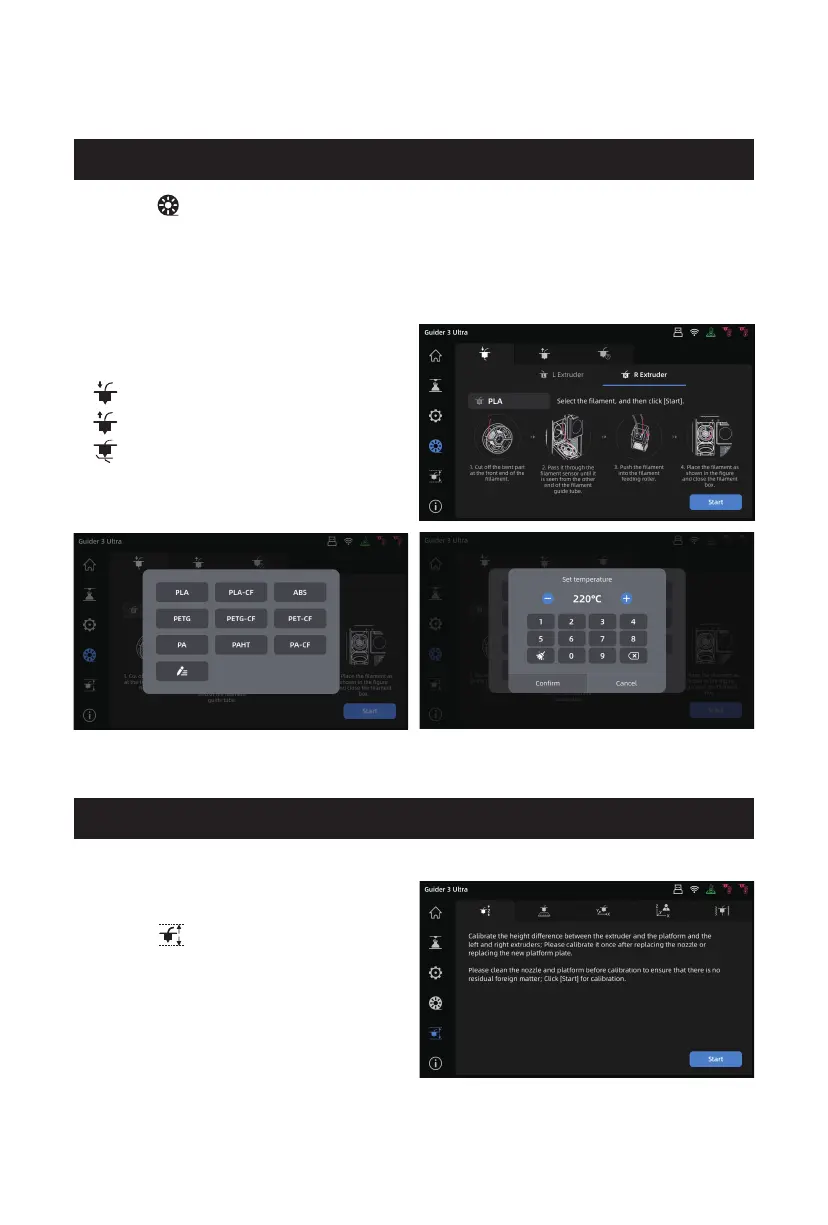
Click the [ ] icon on the left to enter the filament interface.
During filament loading and unloading, users can choose the filament based on
their needs. If the required filament is not listed in the interface, users can customize
it and set the required temperature for loading. To change filament, you can follow
the prompts in the nozzle cleaning interface for guidance.
The filament interface includes:
Filament loading
Filament unloading
Filament changing guide
3.4 Filament Interface
Click the [ ] icon on the left to
enter the leveling and calibration
interface.
3.5 Leveling and Calibration Interface
18















 To Next Page