4.5 File Transfer via USB
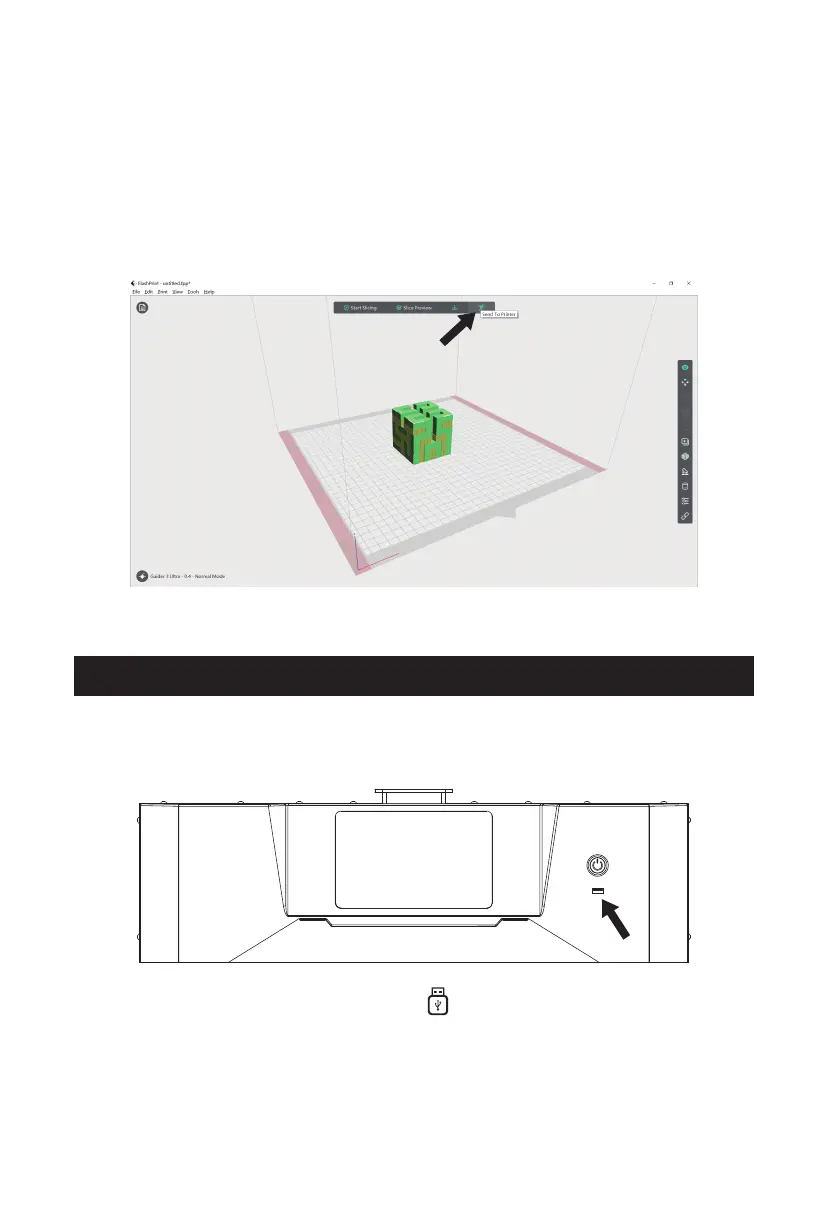
3. After slicing is completed, click [Send To Printer]. The printer will begin
preheating, and then automatically start printing after it is ready.
1. The printer supports printing via USB. Save the sliced file (*.g/*.gx/*.gcode
format) to a USB flash drive.
2. Insert the USB flash drive into the printer's USB port.
3. Access the [Printing] interface, click the [ ] icon to enter the USB drive file
interface, and select the corresponding file for printing.
Note: The printer and the computer must be connected to the same network.
Otherwise, connection will fail.
24















 To Next Page