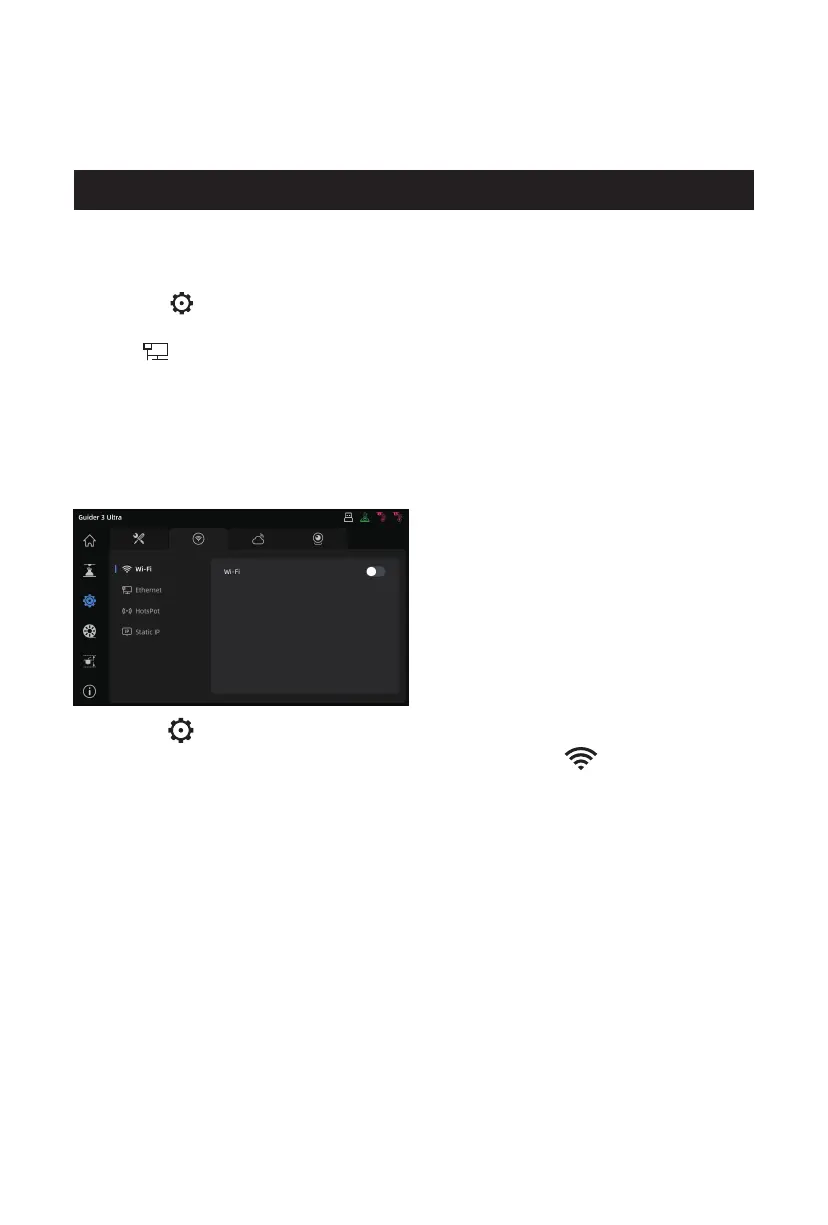
1. Click the [ ] icon to enter the [Network] interface, and select [Wi-Fi].
2. Click to connect to the corresponding wireless network. If the [ ] icon appears at the
top right corner of the screen, it indicates that the printer is successfully connected to
the network.
Before connecting to a wireless network, the Wi-Fi function shall be enabled. Otherwise, it
will result in wireless signal receiving failure.
2.2.2 Wireless Network Connection
2.2 Network Connection
1. Insert the network cable into the Ethernet port on the back of the printer.
2. Click the [ ] icon to enter the [Network] interface, select [Ethernet], and enable the
Ethernet function.
3. If the [ ] icon appears at the top right corner of the screen, it indicates that the printer
is successfully connected to the network.
2.2.1 Wired Network Connection
11















 To Next Page