4. Once the XY offset calibration is completed, you can start dual-extruder printing.
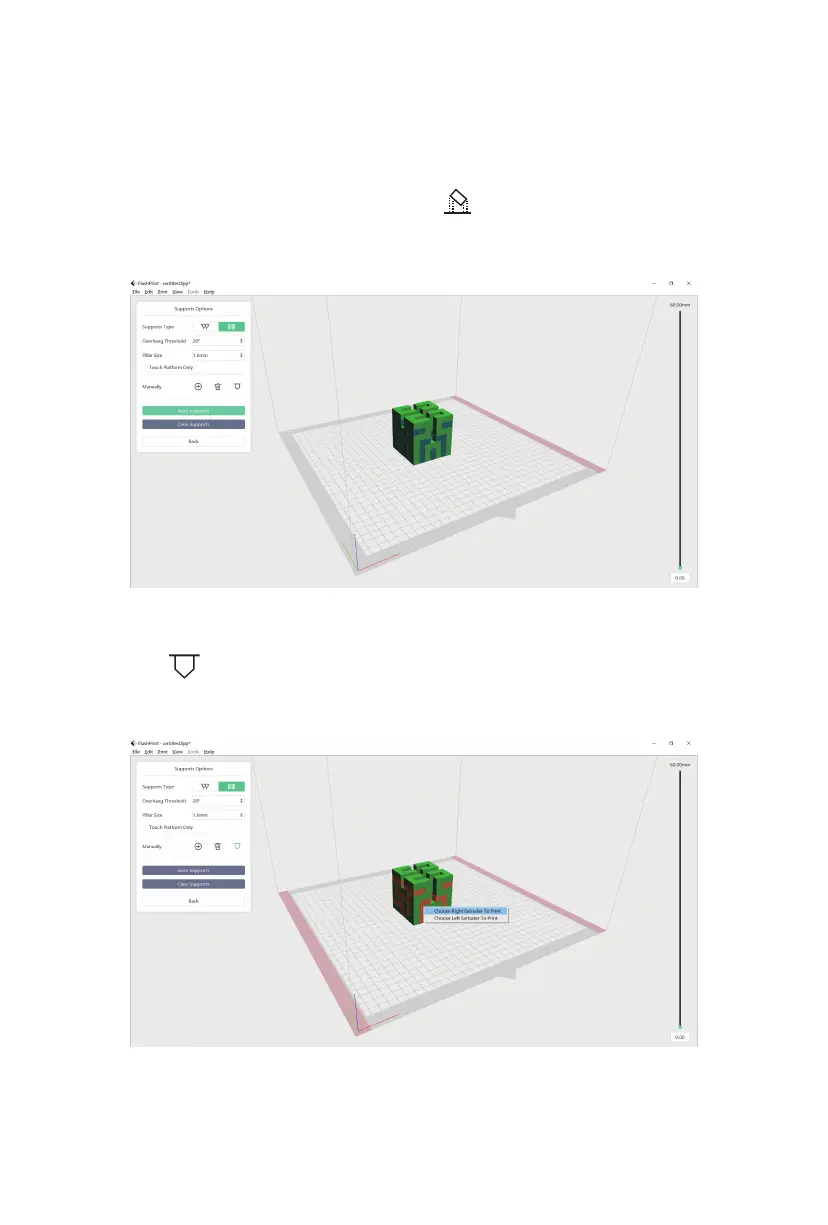
5. Open FlashPrint, load the model, click the [ ] icon, and then select the
support type.
6. Click [Auto Supports].
7. Click the [ ] icon, left-click the support, press "Ctrl+A" to select all supports,
and then right-click to choose a specific extruder for printing supports. Once
selected, click [Back].
22















 To Next Page