FLUXUS WD100, WD200 10 Displaying the Measured Values
50 UMFLUXUS_F5WDV1-1EN, 2016-04-08
Press key during the measurement to change the display in the upper line, press key to change the display in
the lower line.
10.3 Status Line
Important data on the ongoing measurement are displayed in the status line. The quality and precision of the ongoing
measurement can be estimated.
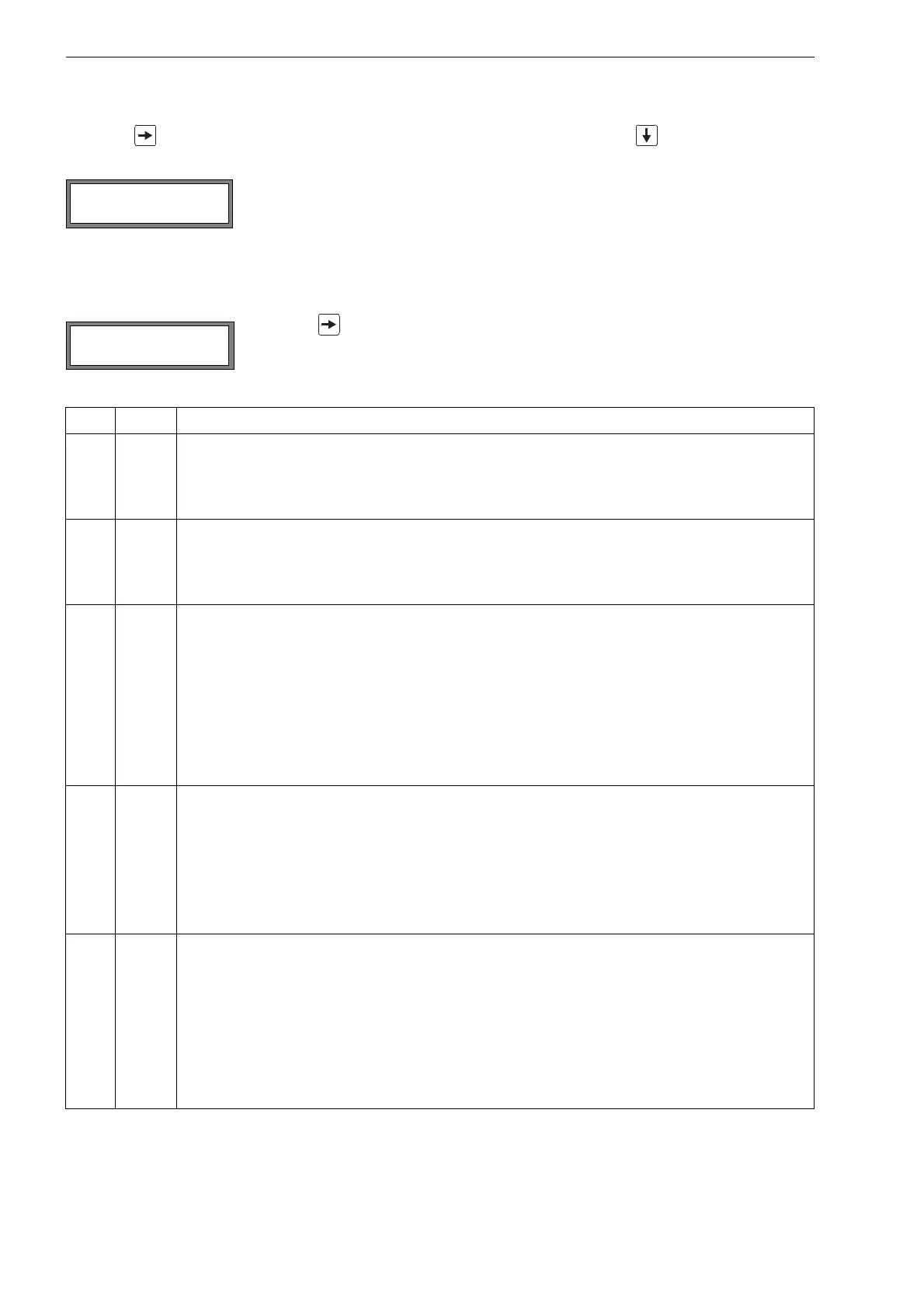
The character * indicates that the displayed value (here: flow velocity) is not the selected
physical quantity.
Press key during the measurement to scroll through the upper line to the status line.
value explanation
S signal amplitude
0
…
9
< 5 %
…
90 %
Q signal quality
0
…
9
< 5 %
…
90 %
c sound speed
comparison of the measured and the expected sound speed of the fluid. The expected sound speed
is calculated on the basis of the fluid parameters (fluid selected in the program branch Parameter,
temperature dependence).
√ ok, is equal to the expected value
↑ > 20 % of the expected value
↓ < 20 % of the expected value
? unknown, cannot be measured
R flow profile
information about the flow profile based on the Reynolds number
T fully turbulent flow profile
L fully laminar flow profile
↕ the flow is in the transition range between laminar and turbulent flow
? unknown, cannot be calculated
F flow velocity
comparison of the measured flow velocity with the flow limits of the system
√ ok, the flow velocity is not in the critical range
↑ the flow velocity is higher than the current limit
↓ the flow velocity is lower than the current cut-off flow (even if it is not set to zero)
0 the flow velocity is in the offset range of the measuring method
? unknown, cannot be measured











 To Next Page