FLUXUS WD100, WD200 11 Advanced Measuring Functions
52 UMFLUXUS_F5WDV1-1EN, 2016-04-08
11 Advanced Measuring Functions
11.1 Command Execution during Measurement
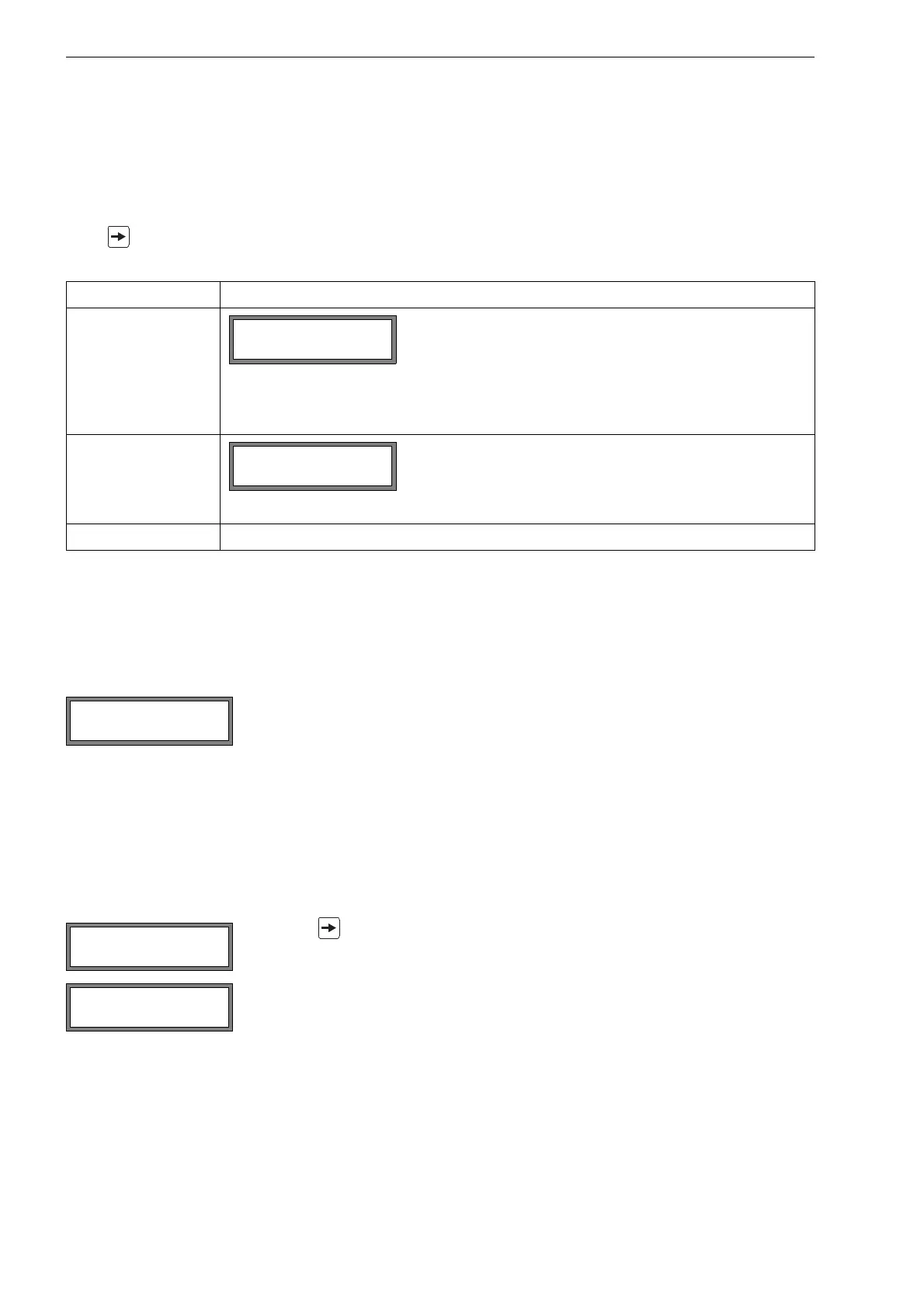
Commands that can be executed during a measurement are displayed in the upper line. A command begins with the ar-
row →. If programmed, a program code has to be entered first (see section 11.8).
Press until the command is displayed. Press ENTER. The following commands are available:
11.2 Damping Factor
Each displayed measured value is a floating average of all measured values of the last x seconds, with x being the damp-
ing factor. A damping factor of 1 s means that the measured values are not averaged because the measuring rate is ap-
prox 1/s. The default value of 10 s is appropriate for normal flow conditions. Strongly fluctuating values caused by high
flow dynamics require a higher damping factor.
Select the program branch Output Options. Press ENTER until the menu item Damping is displayed.
Press BRK to return to the main menu.
11.3 Totalizers
Total volume or total mass of the fluid at the measuring point can be determined.
There are two totalizers, one for the positive flow direction, one for the negative flow direction. The unit of measurement
used for totalizing corresponds to the volume or mass unit selected for the physical quantity.
The values of the totalizers can be displayed with up to 11 places, e.g., 74890046.03. For the adjustment of the number
of decimal places (max 4) see section 14.6.
Press ENTER while a totalizer is displayed to toggle between the display of the totalizers for the two flow directions.
Tab. 11.1: Commands that can be executed during the measurement
command explanation
→Adjust transd.
Select transducer positioning.
If a program code is active, the measurement will be continued 8 s after the last keyboard en-
try.
→Clear totalizer
All totalizers will be reset to zero.
→Break measure stop the measurement and return to the main menu
Enter the damping factor. Press ENTER.
Press key to scroll through the upper line to the display of the totalizers.
The value of the totalizer will be displayed in the upper line (here: the volume which has
passed through the pipe at the measuring point in the positive flow direction after the acti-
vation of the totalizers).











 To Next Page