FLUXUS WD100, WD200 13 Settings
68 UMFLUXUS_F5WDV1-1EN, 2016-04-08
13.3 Measurement Settings
13.4 Setting the Contrast
It is possible to reset the display to fluid contrast. Enter HotCode 555000.
13.5 Instrument Information
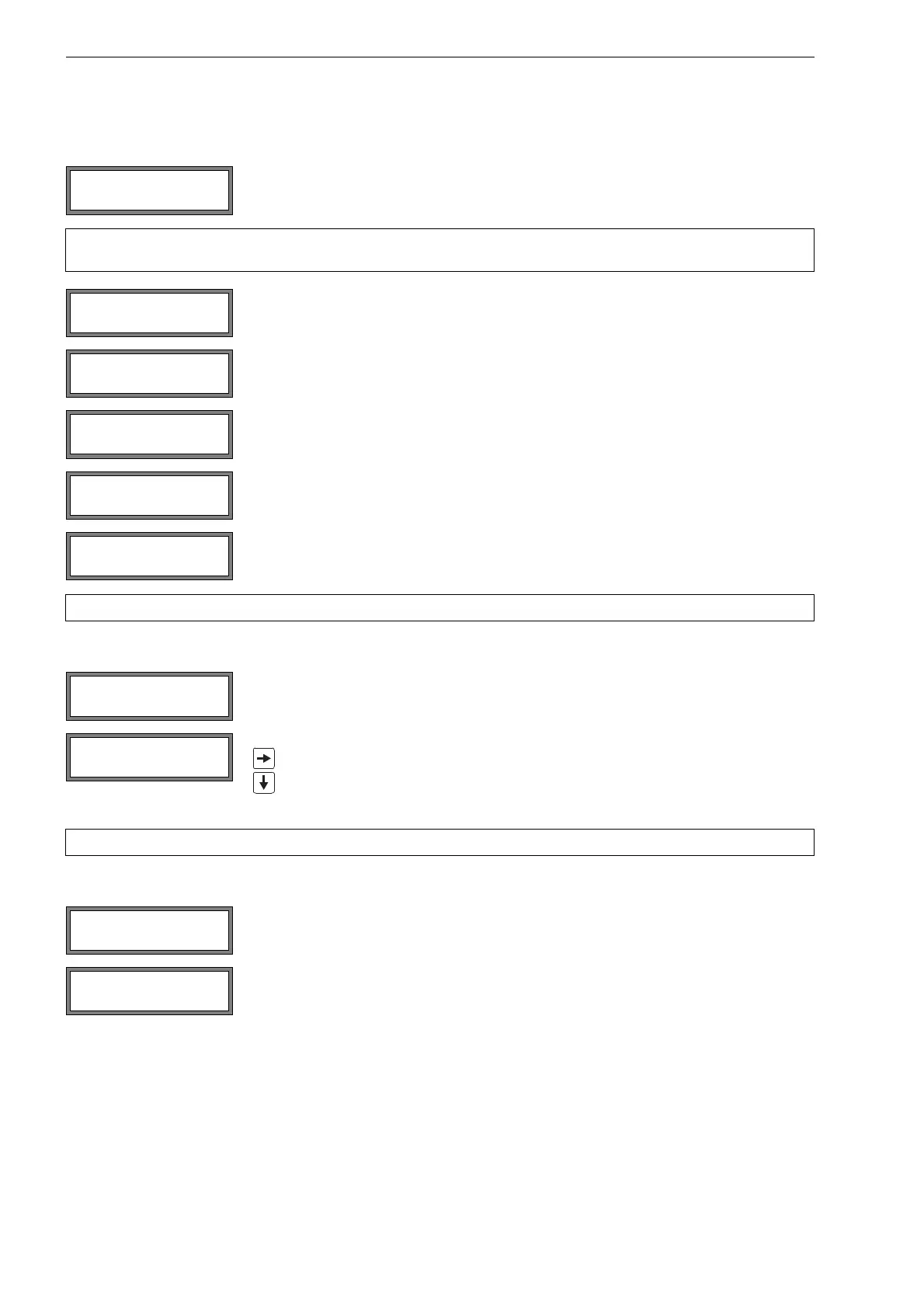
Select Special Funct.\SYSTEM settings\Measuring. Press ENTER.
Note! The settings of the menu item Measuring will be stored at the end of the dialog. If the menu item is
quit before the end of the dialog, the settings will not be effective.
A lower limit for the flow velocity can be entered (see section 11.5).
An upper limit for the flow velocity can be entered (see section 11.4).
Enter 0 (zero) to deactivate the flow velocity check.
Select the overflow behavior of the totalizers (see section 11.3.1).
Select on to keep the previous totalizer values after a restart of the measurement.
Select off to reset the totalizers to zero after a restart of the measurement.
Note! All changes will be stored at the end of the dialog.
Select Special Funct.\SYSTEM settings\Miscellaneous to set the contrast of
the display of the transmitter. Press ENTER.
The contrast of the display is adjusted with the follow ing keys:
increases the contrast
reduces the contrast
Note!
After an initialization of the transmitter, the display is displayed to fluid contrast.
Select Special Funct.\Instrum. Inform. to display information about the transmit-
ter. Press ENTER.
The type and the serial number of the transmitter will be displayed in the upper line.
The firmware version of the transmitter with date is displayed in the lower line.
Press ENTER.
SYSTEM settings↕
Measuring
Cut-off Flow
absolut >SIGN<
Cut-off Flow
factory >USER<
SYSTEM settings↕
Miscellaneous
SETUP DISPLAY
← CONTRAST →
Special Funct. ↕
Instrum. Inform.
XXXX -XXXXXXXX
V x.xx dd.mm.yy











 To Next Page