13 Settings FLUXUS WD100, WD200
UMFLUXUS_F5WDV1-1EN, 2016-04-08 65
13 Settings
13.1 Time and Date
The transmitter has a battery-powered clock.
13.1.1 Time
13.1.2 Date
After the time has been set, DATE is displayed.
13.2 Dialogs and Menus
Select
Special Funct.\SYSTEM settings
\
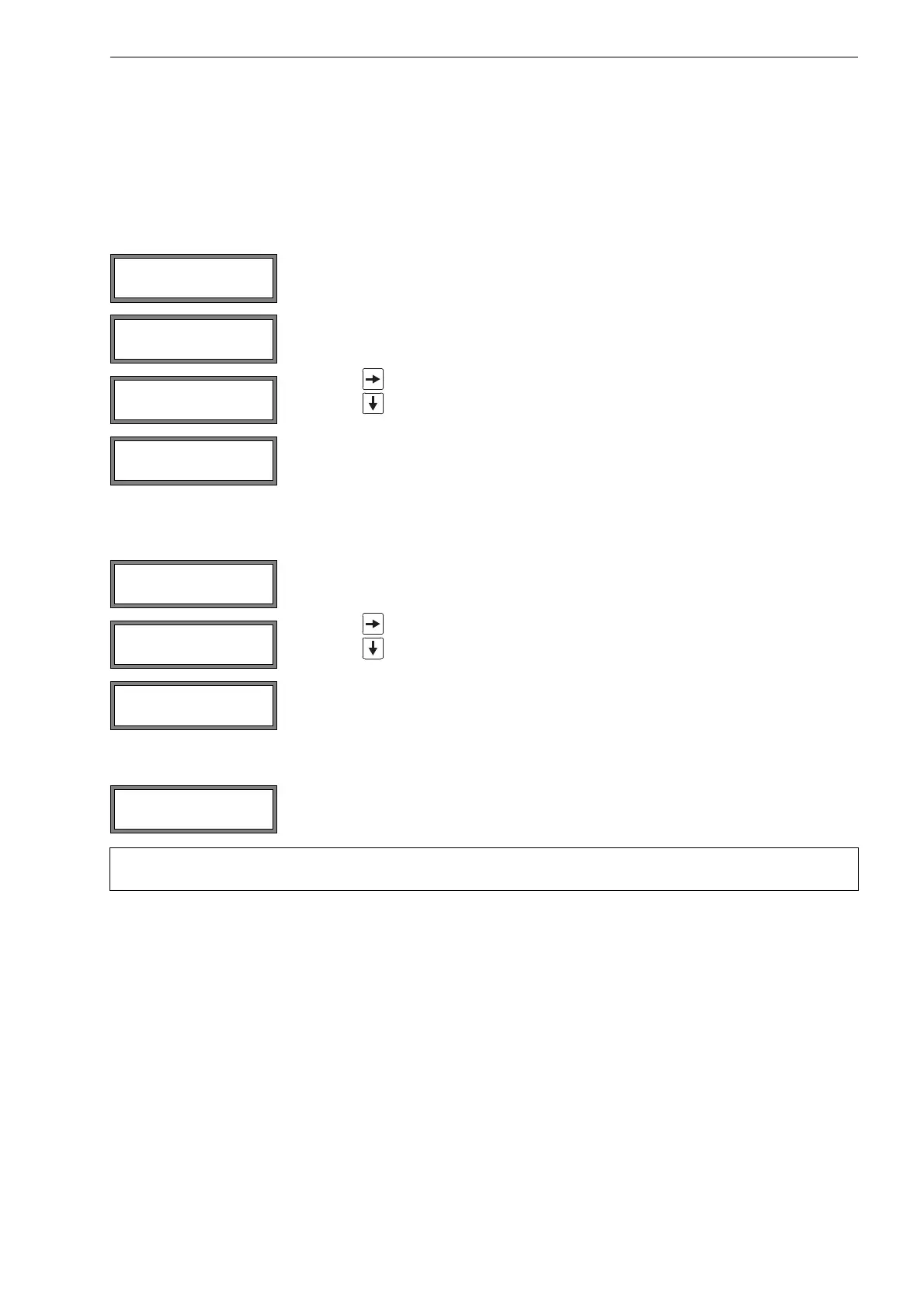
Set Clock. Press ENTER.
The current time is displayed. Select ok to confirm the time or new to set the time.
Press ENTER.
Press key to select the digit to be edited.
Press key to edit the selected digit. Press ENTER.
The new time is displayed. Select ok to confirm the time or new to set the time again.
Press ENTER.
Select ok to confirm the date or new to set the date. Press ENTER.
Press key to select the digit to be edited.
Press key to edit the selected digit. Press ENTER.
The new date is displayed. Select ok to confirm the date or new to set the date again.
Press ENTER.
Select Special Funct.\SYSTEM settings\Dialogs/Menus. Press ENTER.
Note! The settings of the menu item Dialogs/Menus will be stored at the end of the dialog. If the menu
item is quit before the end of the dialog, the settings will not be effective.
SYSTEM settings↕
Set Clock
DATE 2011-01-25
Set Date !
SYSTEM settings↕
Dialogs/Menus











 To Next Page