FLUXUS WD100, WD200 12 Data Logger and Transmission of Data
60 UMFLUXUS_F5WDV1-1EN, 2016-04-08
The time at which the data logger memory will be full can be displayed during the measurement. All activated channels, to-
talizers and other values will be considered.
12.2 Transmission of Data
The measurement data can be transmitted to a PC via the serial interface RS232 or RS485 (option).
12.2.1 Online Transmission of Data
The measured values are transmitted during the measurement.
The measured value memory is independent of the online transmission.
12.2.2 Offline Transmission of Data (option)
The measurement data of the data logger are transmitted.
12.2.3 Formatting of the Measurement Data
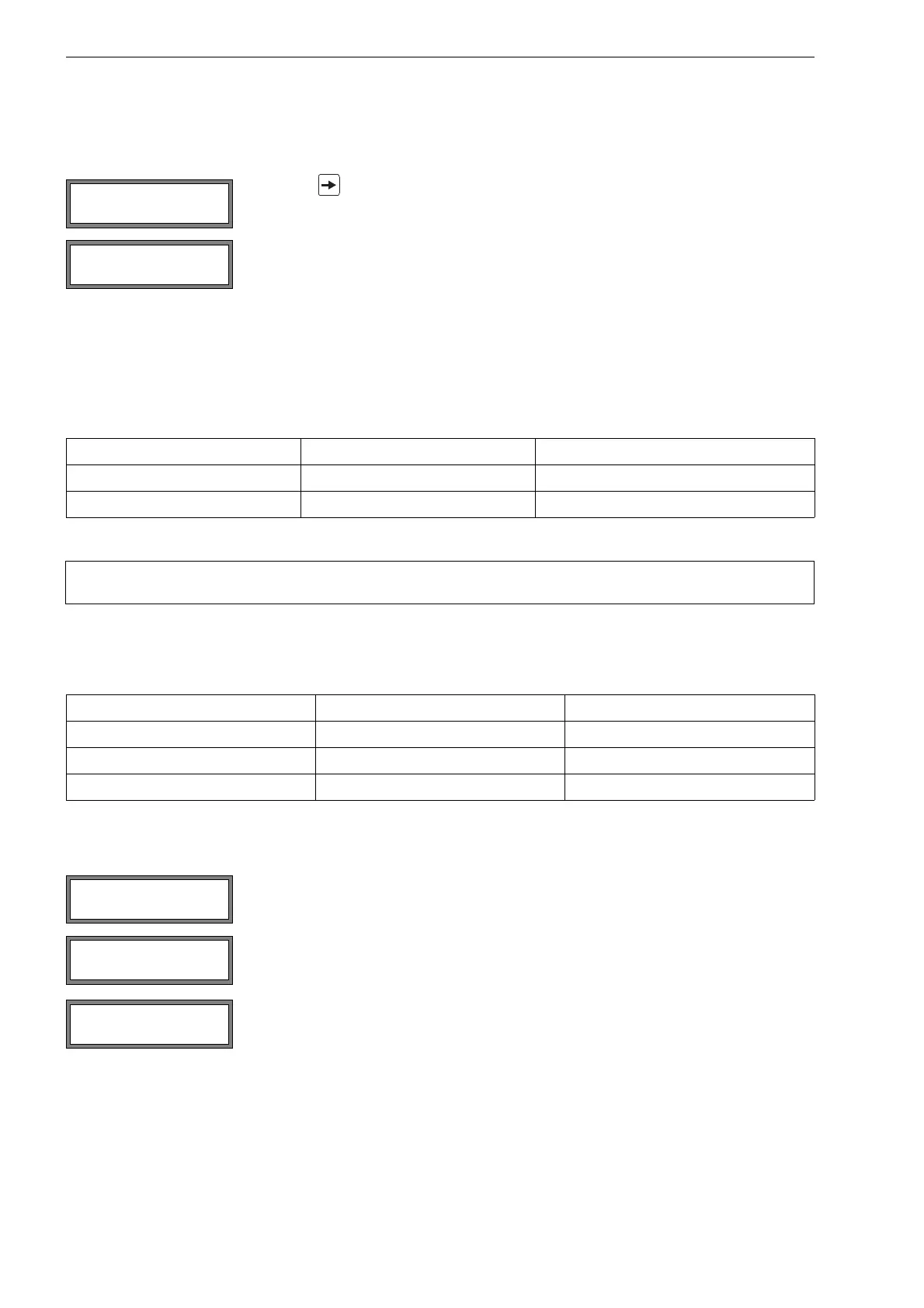
Select Special Funct.\SYSTEM settings\serial transmis.
Press key during the measurement to scroll through the displays of the upper line.
If the ringbuffer is activated and has overflown at least once, this display will be indicated.
Tab. 12.1: Overview online transmission of data
serial interface transmission of data see
RS232 terminal program section 12.2.5
RS485 (sender) terminal program section 12.2.5
Note! It is recommended to use the RS485 interface for the online transmission of data. The RS232 inter-
face should only be used if the transmitter does not have an RS485 interface.
Tab. 12.2: Overview offline transmission of data
serial interface transmission of data see
RS232 terminal program section 12.2.6
RS232 FluxData section 12.2.7
RS485 (sender) terminal program section 12.2.6
Select on if the space characters are not to be transmitted. Press ENTER.
The file size will be considerably smaller (shorter transmission time).
Select the decimal marker to be used for floating-point numbers (point or comma).
Press ENTER.
This setting depends on the setting of the operating system of the PC.
Select the character to be used to separate columns (semicolon or tabulator).
Press ENTER.
full= 26.01/07:39
54.5 m3/h
last= 26.01/07:39
54.5 m3/h
SER:decimalpoint
’.’ >’,’<
SER:col-separat.
’;’ >’TAB’<











 To Next Page