FLUXUS WD100, WD200 11 Advanced Measuring Functions
56 UMFLUXUS_F5WDV1-1EN, 2016-04-08
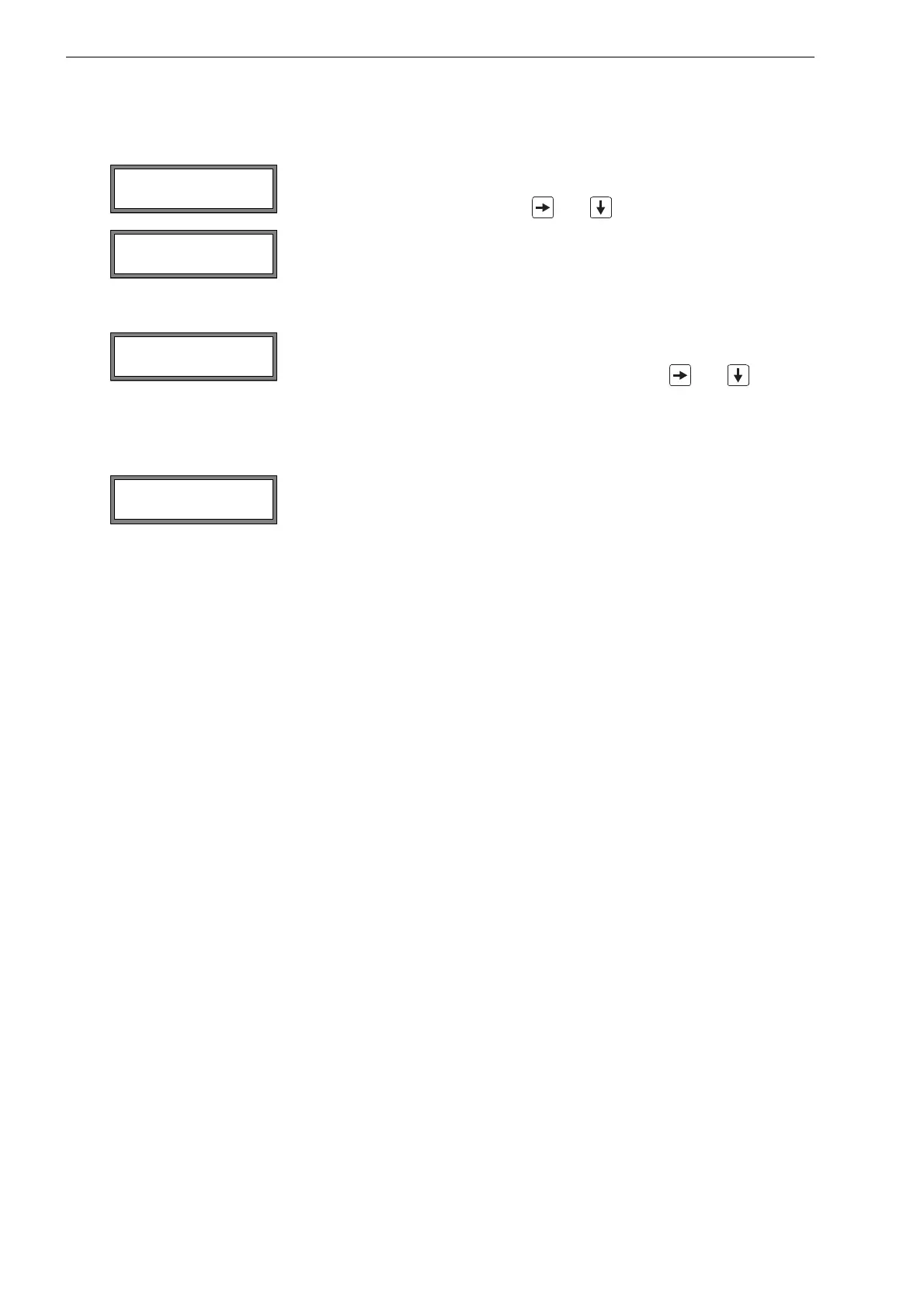
If key BRK is pressed:
If a command is selected:
11.8.3 Deactivation of the Program Code
To stop an ongoing measurement, the complete program code has to be entered (= break
code).
Enter the program code with the keys and . Press ENTER.
If the entered program code is not valid, an error message will be displayed for a few sec-
onds.
If the entered program code is valid, the measurement will be stopped.
To execute a command, it is sufficient to enter the first three digits of the program code (=
access code).
Enter the first three digits of the program code with the keys and . Press ENTER.
At first, 000000 is displayed. If the program code starts with 000, ENTER can be pressed
immediately.
Select Special Funct.\Program code.
The program code is deleted by entering "------". Press ENTER.
If the character "-" is entered less than six times, this character sequence will be used as
the new program code.
INPUT BREAK_CODE
CODE: 000000
INPUT BREAK_CODE
INVALID CODE !
INP. ACCESS CODE
CODE: 000000











 To Next Page