FLUXUS WD100, WD200 15 Outputs
76 UMFLUXUS_F5WDV1-1EN, 2016-04-08
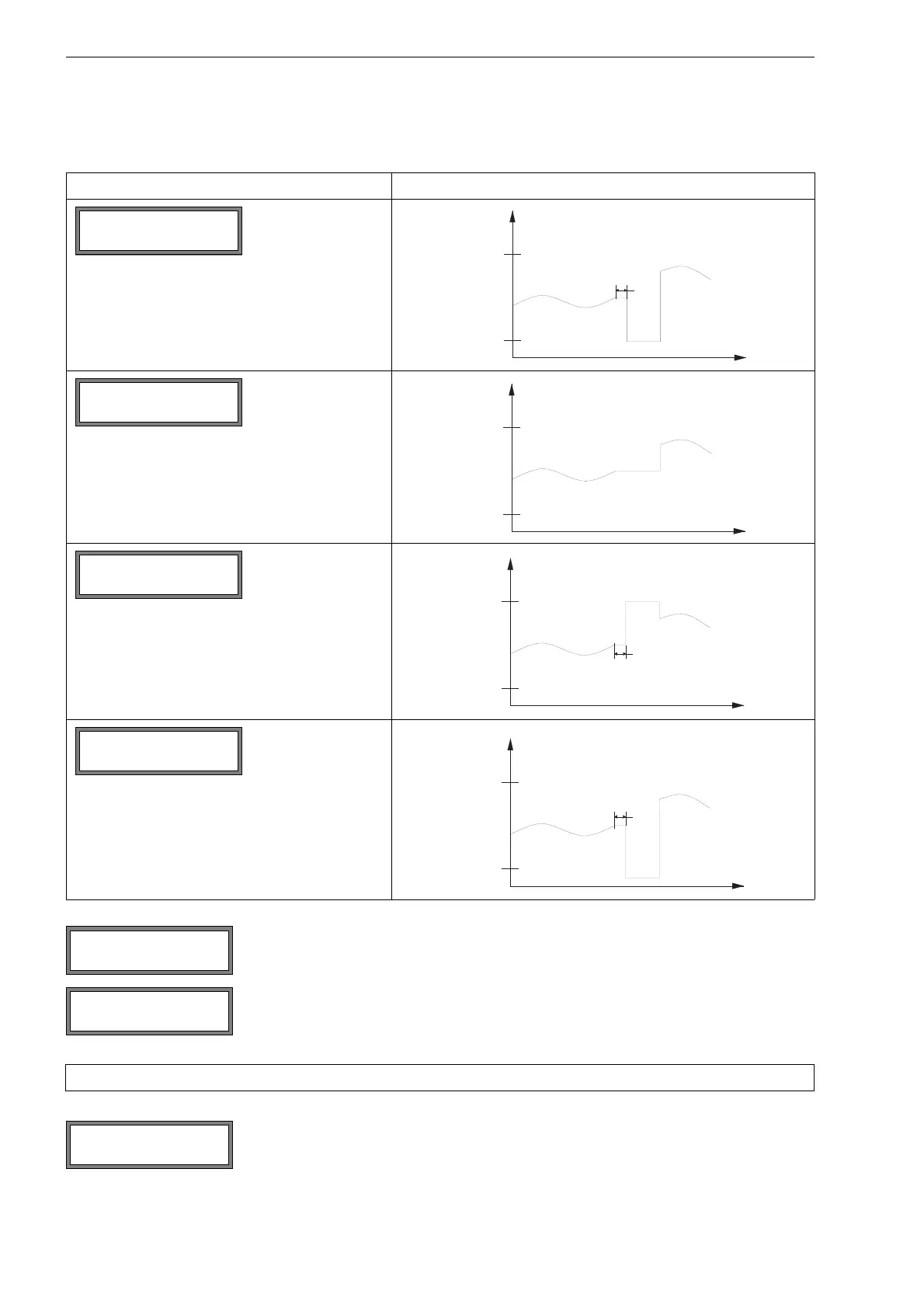
Tab. 15.3: Examples for the error output
list item for the error output output signal
error output = 2 mA
Select a list item for the error output. Press ENTER.
If Other value has been selected, enter an error value. It has to be within the limits of the
output.
Press ENTER.
Note! The settings will be stored at the end of the dialog.
The terminals for the connection of the output are displayed (here: P1+ and P1- for the ac-
tive current loop).
Press ENTER.
Error-value ↕
Minimum (4.0mA)
Error-value ↕
Hold last value
Error-value ↕
Maximum (20.0mA)
Error-value ↕
Other value...
Error-value ↕
Minimum (4.0mA)
I1 active loop
Terminal:P1+,P1-











 To Next Page