FLUXUS WD100, WD200 15 Outputs
78 UMFLUXUS_F5WDV1-1EN, 2016-04-08
15.3.1 Measuring Range of the Analog Outputs
After an analog output has been activated in the program branch Output Options, the measuring range of the source
item has to be entered.
15.3.2 Function Test
The function of the installed output can now be tested. Connect a multimeter to the installed output.
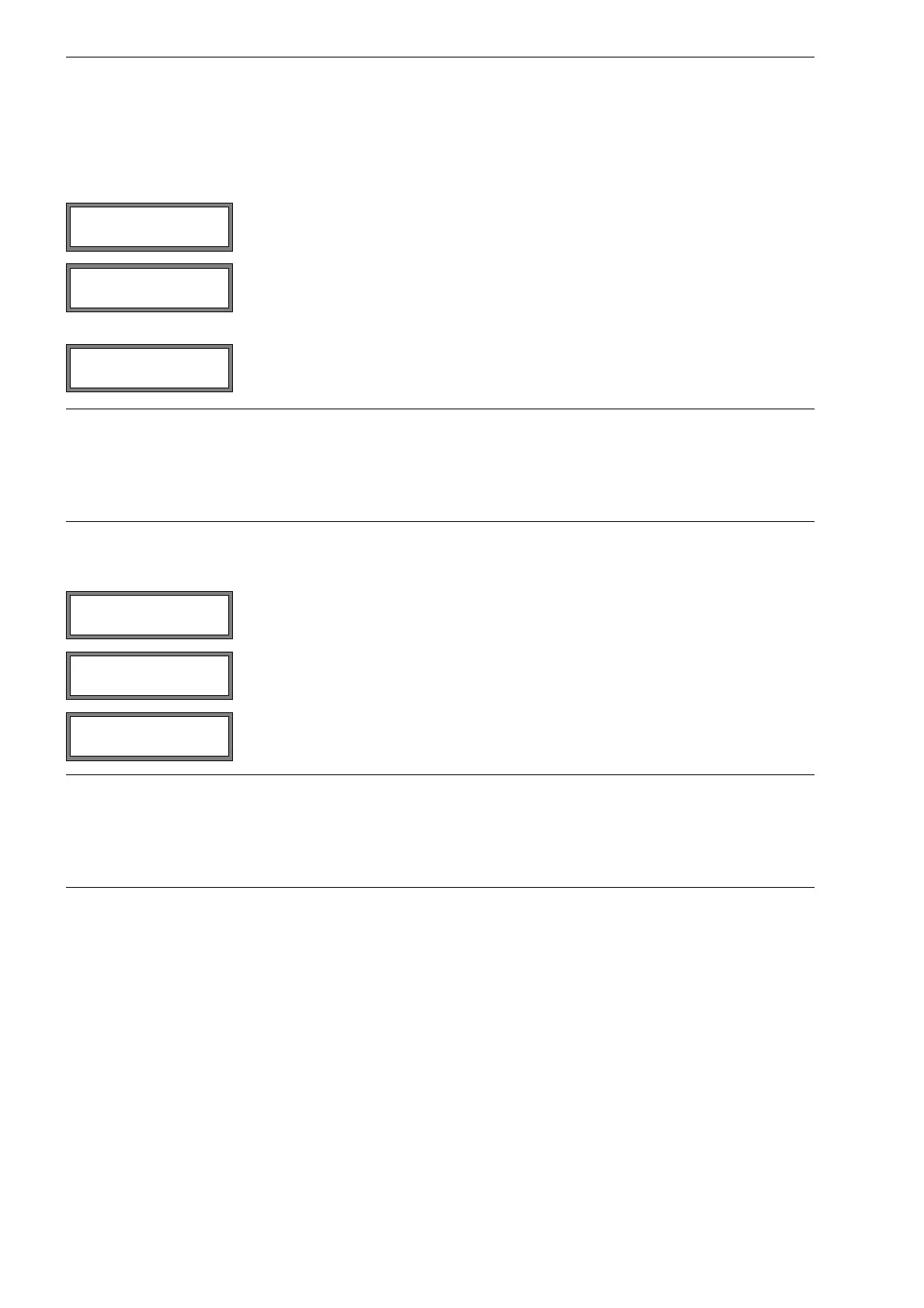
Select sign if the sign of the measured values is to be considered for the output.
Select absolut if the sign is not to be considered.
Enter the lowest expected measured value. The unit of measurement of the source item
will be displayed.
Zero-Scale Val. is the measured value that corresponds to the lower limit of the output
range as defined in section 15.1.1.
Enter the highest expected measured value.
Full-Scale Val. is the measured value that corresponds to the upper limit of the output
range as defined in section 15.1.1.
Example: output: current output
output range: 4…20 mA
Zero-Scale Val.: 0 m³/h
Full-Scale Val.: 300 m³/h
volumetric flow rate = 0 m³/h, corresponds to 4 mA
volumetric flow rate = 300 m³/h, corresponds to 20 mA
Select yes to activate the output. Press ENTER.
Enter a test value. The value has to be indicated on the connected multimeter.
Press ENTER.
Select yes to repeat the test. Press ENTER.
Example: output: current output
output range: 4…20 mA
Zero-Scale Val.: 0 m³/h
Full-Scale Val.: 300 m³/h
Test value = 150 m³/h (middle of the measuring range corresponds to 12 mA)
If the multimeter displays 12 mA, the current output functions correctly.
Meas.Values
>ABSOLUT< sign
Full-Scale Val.
300.00 m3/h
I1: Test output ?
no >YES<
I1: Test value =
5.00 m3/h
I1: Test output ?
no >YES<










 To Next Page