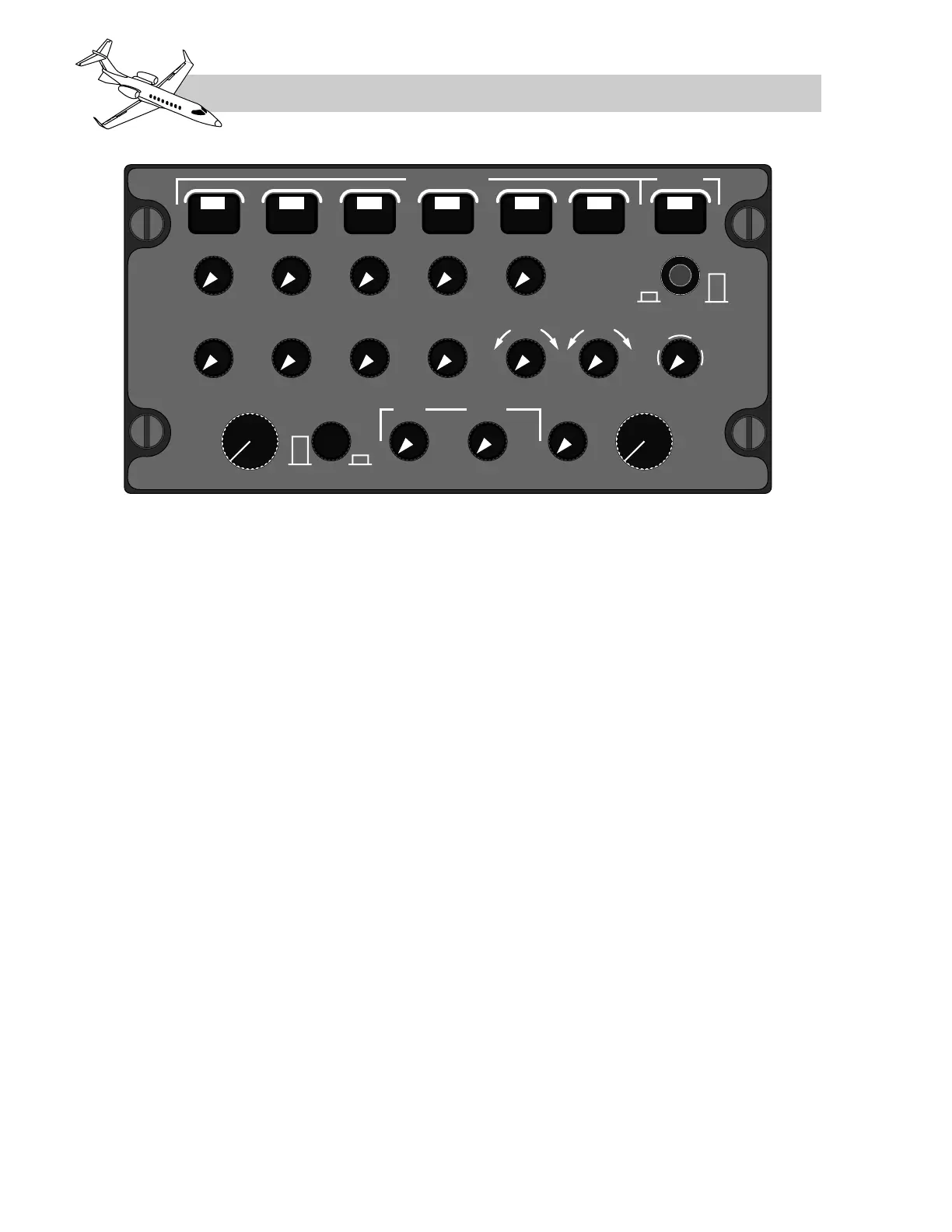
crophone. When these latching buttons are
pushed, they connect the microphone (hand-
held mic, boom mic, or oxygen mask micro-
phone) to the selected radio. At the same time,
they also enable the audio associated with that
radio, regardless of the setting on the audio
on/off buttons below them. The microphone se-
lector buttons are mechanically interlocked
so that each new selection automatically de-
selects the previous selection. Depressing the
PA button connects the on-side microphone to
the passenger address amplifier. The audio
level for the PA is automatically adjusted for
conditions and is not settable by the crew.
The pilot can use a hand-held microphone or
a boom microphone for transmissions. Also,
the oxygen mask microphone can be used
when the MIC/MASK selector is in the ex-
tended (unlatched) position.
An EMER switch is located in the upper right
corner of each audio control panel. When the
EMER switch is depressed, the microphone
and audio reception is connected directly to
VHF1 and NAV1 and all functions of the audio
control panel are bypassed except the head-
phone volume. In order to receive NAV1 audio
with EMER selected, the NAV AUDIO switch
on the clearance delivery head must be se-
lected ON. Assuming power is available to
the COM1 and NAV1 units, COM and NAV
frequencies can still be set using either RMU
or the clearance delivery head when EMER is
selected on the audio control panel.
If EMER is selected and electrical power is still
available to the audio panel, system warning
audios will still be available through the cock-
pit speaker and audio will be routed to the
cockpit voice recorder. If power is lost to the
audio control panel, the EMER switch will
still work but system warning audio and audio
to the cockpit voice recorder will be lost.
The audio source selector controls are located
on the lower rows of the audio control panel.
When these push-on/push-off switches are
latched (in position) audio is turned off from
that receiver. When unlatched (out position), the
audio associated with that button is connected
to the headphone and also to the speaker, if it
is selected on. The audio level can be adjusted
by rotating the button, counter-clock-wise to de-
crease, and clock-wise to increase the volume.
LEARJET 45 PILOT TRAINING MANUAL
16-12
FOR TRAINING PURPOSES ONLY
FlightSafety
international



 To Next Page