• BARO – This knob (Figure 16-26) is
used to set barometric correction. Once
set, the knob signal is sent directly to the
on-side ADC, which then provides a sig-
nal to the on-side IC-600/SG for display
processing. The barometric correction is
digitally displayed at the bottom of the al-
timeter scale on the PFD (Figure 16-26).
Rotation of the knob will change the baro-
metric value in +
0.01 IN-Hg increments
if "In" is selected on the display con-
troller, or in +
1 HectoPascals if "hPa" is
selected. Barometric correction must be
set on each side, it does not crossfill.
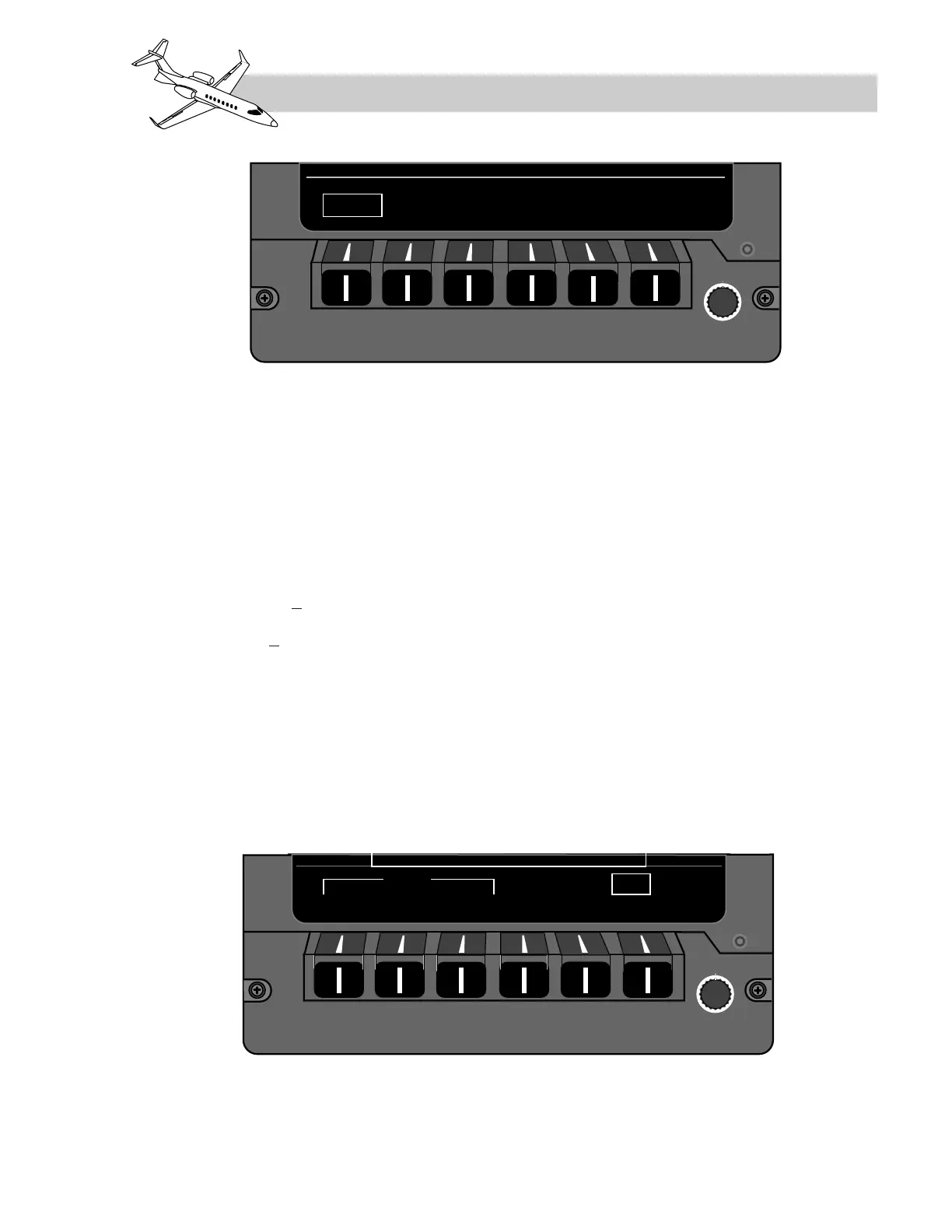
EICAS Bezel Controller
When the EICAS format is displayed on the
DU, the bezel controller has only one menu
available above the bezel buttons (Figure 16-
27).It consists of a summary of system indi-
cations (SUMRY) and five different system
schematic selections. Selection of any sys-
tem pushbutton will display a corresponding
schematic of that system on the lower portion
of the EICAS format. Examples of the system
schematics are illustrated in the correspond-
ing chapters for those systems. A white box
will also be displayed around the menu item
that has been selected. The default selection
when power is applied is the SUMRY menu.
The SUMRY and system schematic displays
can be removed from the EICAS display to de-
clutter it if desired. To deselect these displays,
simply depress the bezel button beneath the
currently selected (boxed) menu item.
The far right menu item, above the rotary
knob, is labeled "CAS." The rotary knob is a
scrolling device, up or down, to view or hide
any messages (except red warnings).
LEARJET 45 PILOT TRAINING MANUAL
16-39
FOR TRAINING PURPOSES ONLY
FlightSafety
international



 To Next Page