FT-112(D) Panel Weighing Indicator, Technical Manual, Rev.1.0.0, May 2019 Page 14 of 170
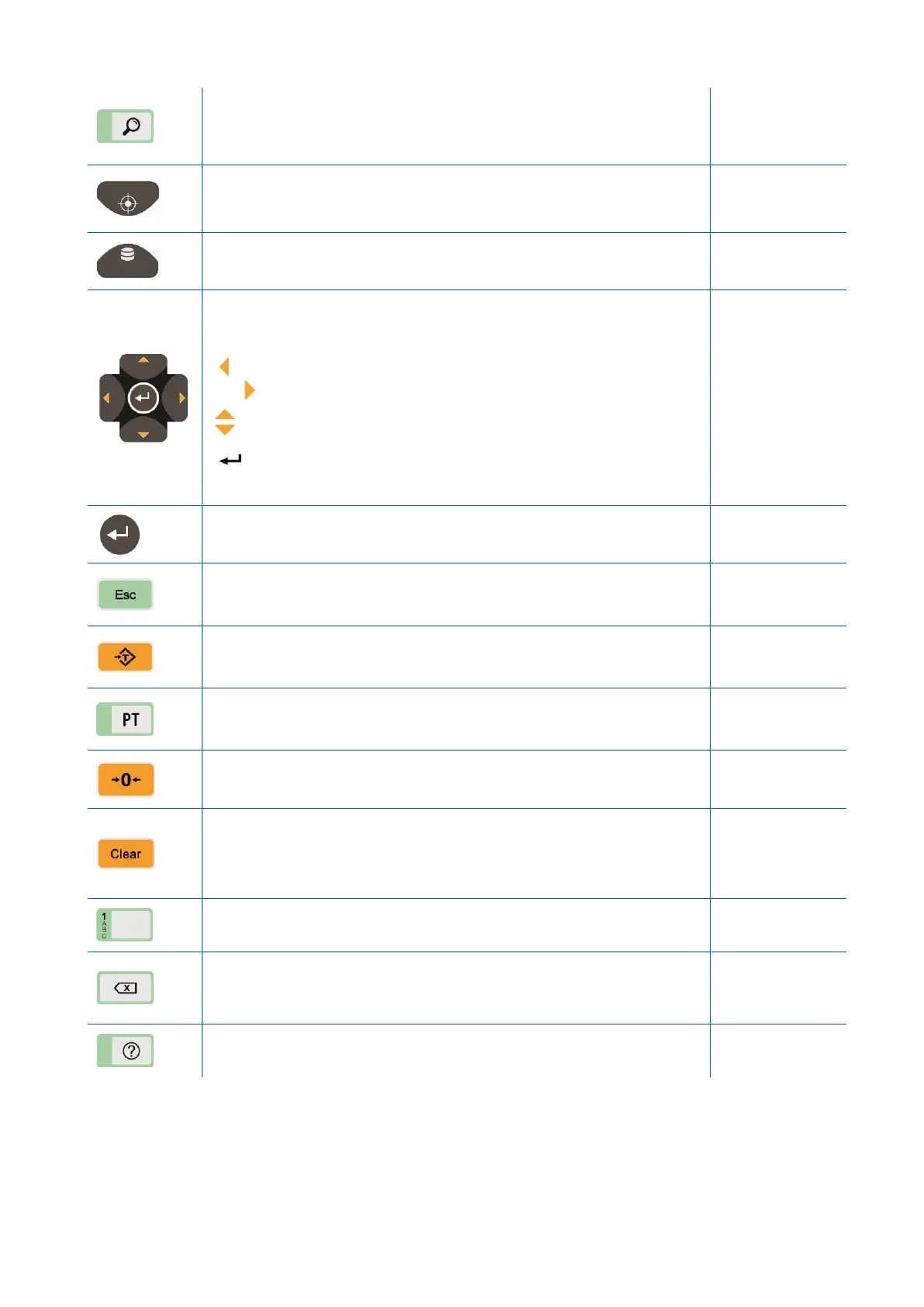
High resolution Press the key to read the weight at high resolution.
Press the key again to return to normal operation. The displaying of
high-resolution weight ends automatically after 10 seconds at approved
scale.
Set point entries Press this key to enter set points or set values of
SmartAPP application.
Page 78, 80, 83,
86, 88, 105, 94
Memory This key is used to access the memory or to save the item
data into the memory.
Page 36, 76, 80,
81, 83, 83, 86,
87, 89, 89, 105
Navigation keys These keys are used to navigate in the memories,
entries and programming.
The meanings of the navigation keys are;
Previous parameter.
Next digit or parameter.
Increase or next block.
Decrease or previous block.
Enter the parameter to enter data.
Save the data after entry.
Go to the next parameter.
Print By pressing this key the weight data is transferred to a printer or
to a PC.
Escape Press this key to exit from any entry or from any block at
programming.
Tare Press this key for taring the scale.
PT The specific tare value can be entered numerically by pressing this
key.
Zeroing If the unloaded scale doesn’t show zero at gross operation,
press this key to compensate zero drift.
Clear Clears the tare and indication return to the gross value.
Page 34, 95,
Fehler!
Textmarke nicht
definiert.
Alphanumeric keys Alphanumeric data entry.
Delete Deletes last entered digit.
Press for more than 2 seconds to clear the data on the display at data
entry.
Help Press the key consecutively to learn functions of programmable
keys.



 To Next Page