FlipAlbum
®
6 125
Use Text for Watermark:
1. With encryption turned on, check the Embedded Watermark check box.
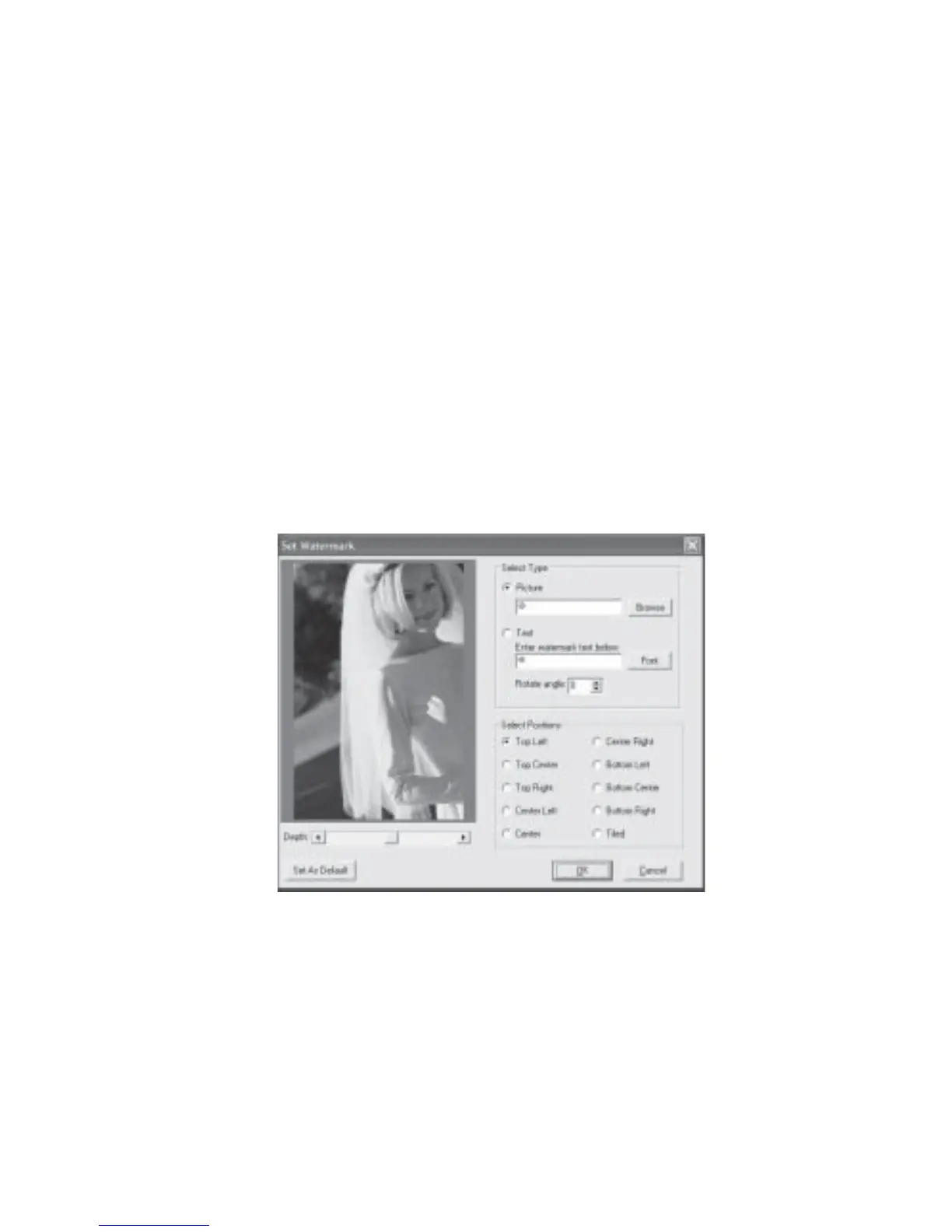
2. The Set Watermark dialog box will be displayed (Fig 7.10.4).
3. Select the Text radio button and enter your text.
4. Click the Font button to change the font, size, style, color etc.
5. Click the Rotate angle up or down arrow to rotate the watermark to a desired angle.
6. Select the desired position for your watermark.
7. Adjust the depth of the watermark by dragging the depth slider button or clicking the
left or right arrow.
8. Click OK.
To set the picture or text watermark for use in other albums, click the Set As Default
button.
Fig 7.10.4 Set Watermark



 To Next Page