132
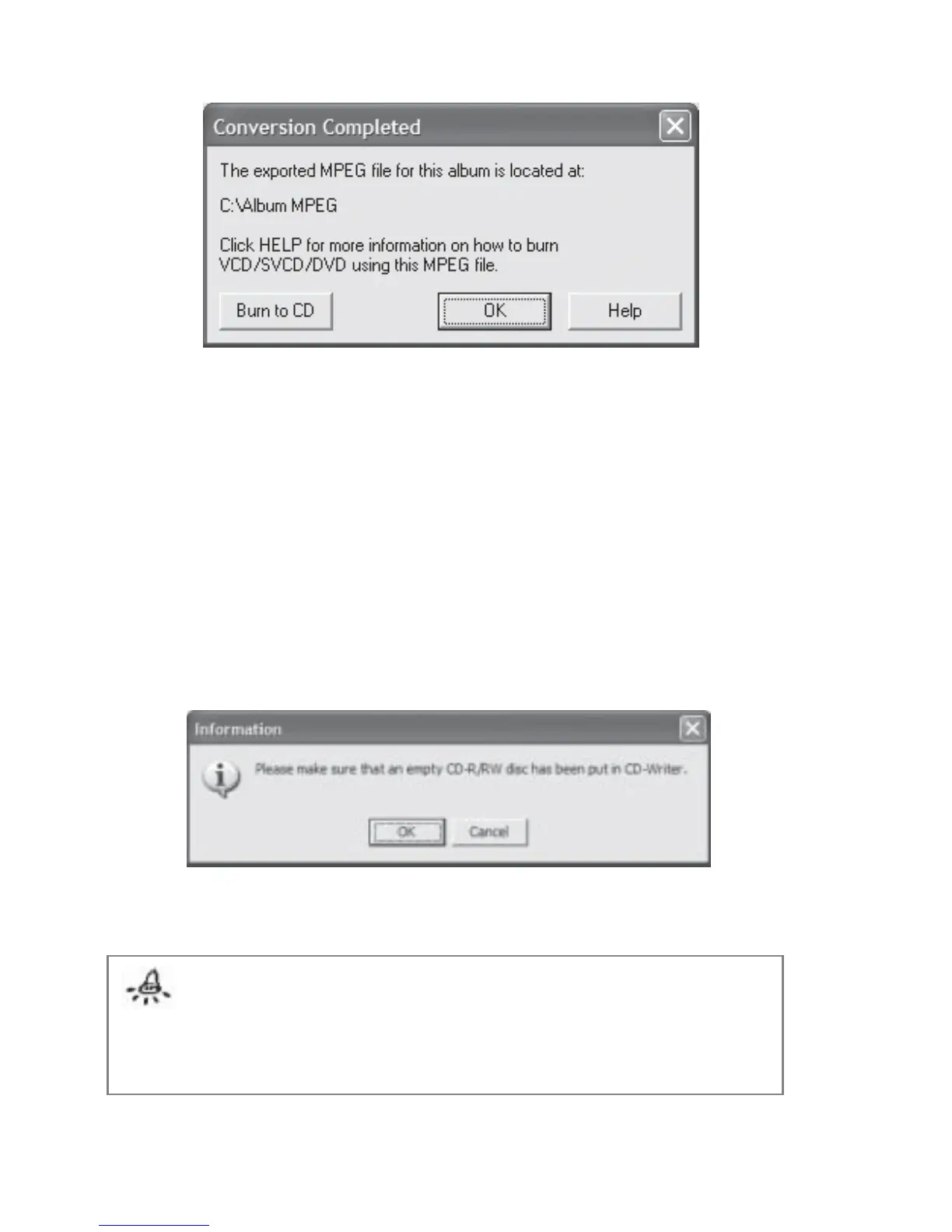
Fig 7.12.4 Export Album for TV Viewing Completion
Burn to CD:
If you have chosen the VCD or SVCD encoding for the album, you will see the Burn to CD
button only if FlipAlbum
®
6 Suite/Pro detects that your PC has Nero Burning ROM 5.5 and
above installed (Fig 7.12.4). By clicking the button, you will be able to directly create a
Video CD or Super Video CD from the MPEG file you just exported your album to. You will be
prompted with Fig 7.12.5 to remind you to put an empty CD-R/RW disc into the CD Writer.
Fig 7.12.5 Insert CD-R/RW Disc Prompt
Note:
The following items of the album will not be exported to the MPEG file:
1. Overview, Content and Index Pages
2. Bookmarks and Markers
3. MIDI music files
4. Page audio



 To Next Page