FlipAlbum
®
6 135
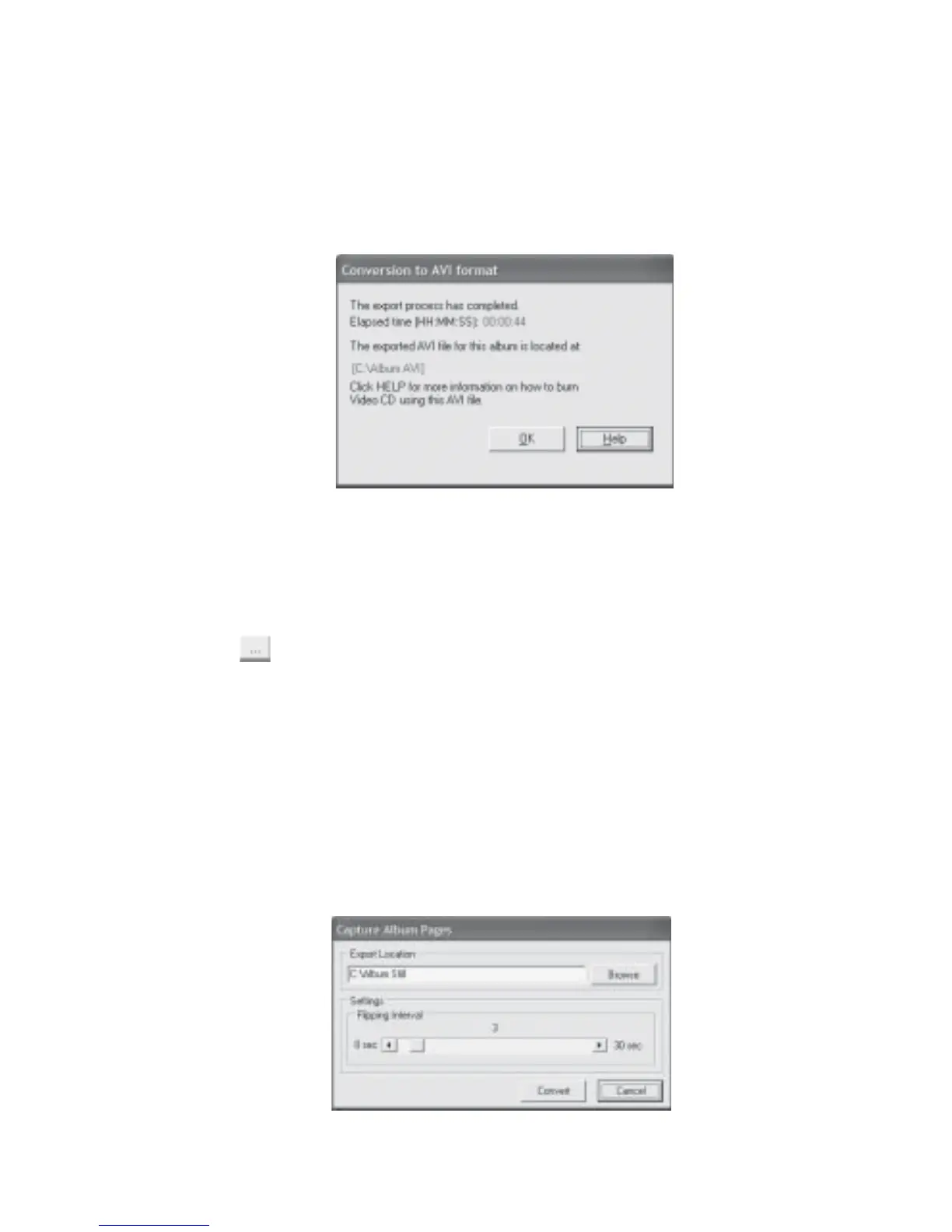
11. Once the conversion to AVI is completed, the Conversion to AVI Format Completion dialog
box will be displayed (Fig 7.12.9). The location of the exported AVI file will be indicated,
eg C:\Album AVI.
12. Launch a 3rd Party Tool to convert the AVI file to your desired format, eg MPEG-2 before
creating a Super Video CD or DVD with your CD/DVD writer.
Fig 7.12.9 Conversion to AVI Format Completion
Export Album for Slide Show:
1. At Fig 7.12.1, click the Slide Show radio button.
2. Click the
button to select the location and name of the export folder
(eg C:\Album Still)
3. Click OK. The Capture Still Pages dialog box will be displayed (Fig 7.12.10).
4. Click Start. The Capture Still Pages status dialog box will be displayed (Fig 7.12.11).
5. Once the export process is completed, the Capture Still Pages Completion dialog box will
be displayed (Fig 7.12.12). The location of the exported still pictures will be indicated,
eg C:\Album Still.
6. To create a Slide Show CD with these captured still pictures, launch a CD writing software
that has the photo slide show function. Create your Video CD from these still pictures.
Fig 7.12.10 Capture Album Pages



 To Next Page