136
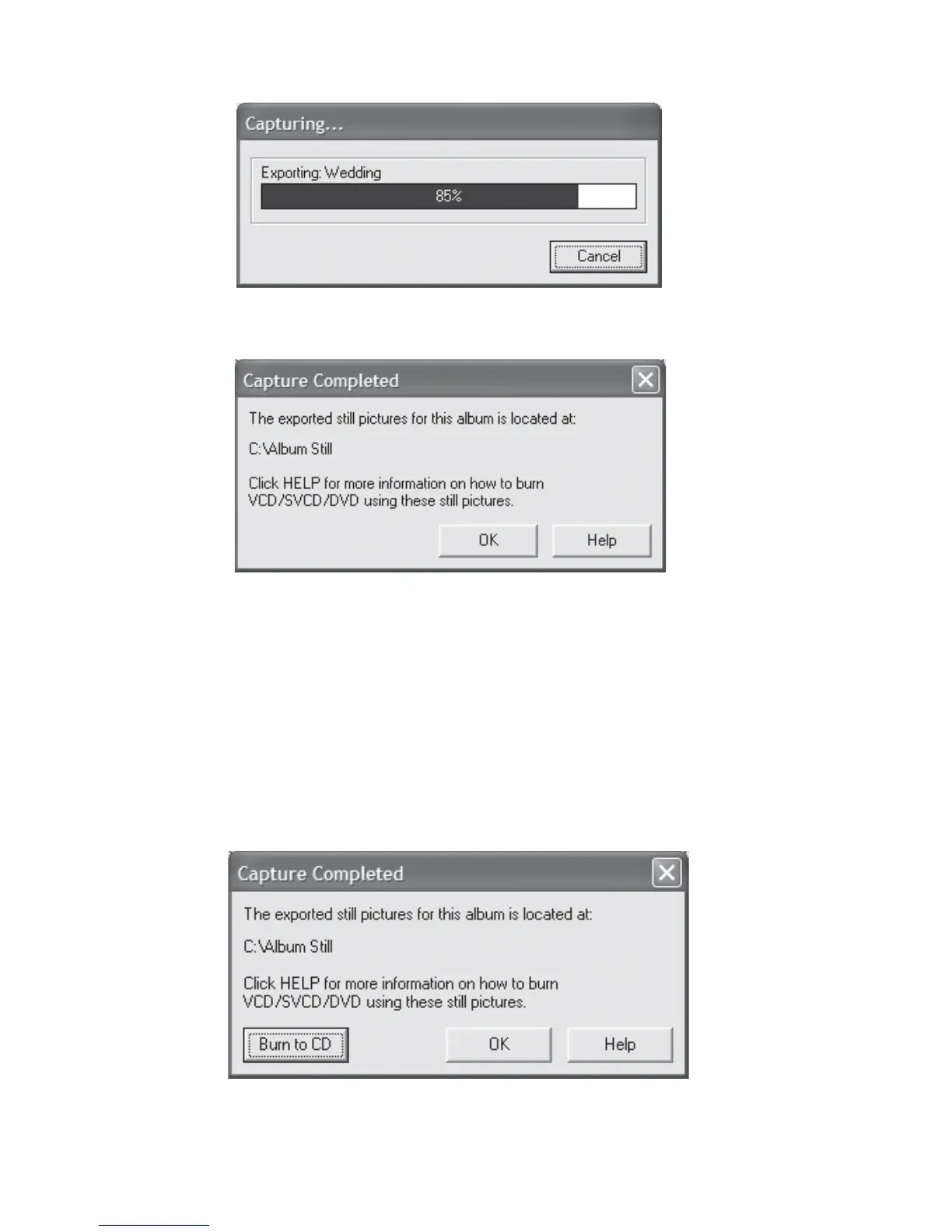
Fig 7.12.11 Capture Album Pages Status
Fig 7.12.12 Capture Album Pages Completion
As with Fig 7.12.4, if FlipAlbum
®
6 Suite/Pro detects that your PC has Nero Burning ROM 5.5
or higher installed, you will see that Burn to CD button is now enabled (Fig 7.12.13). This
means the program will burn the still picture slide show to your CD-R/RW using the Nero
program after the capturing of album pages process is completed. You will be prompted with
Fig 7.12.5 to remind you to put an empty CD-R/RW disc into the CD Writer.
Fig 7.12.13 Capture Album Pages with Nero detected



 To Next Page