FlipAlbum
®
6 39
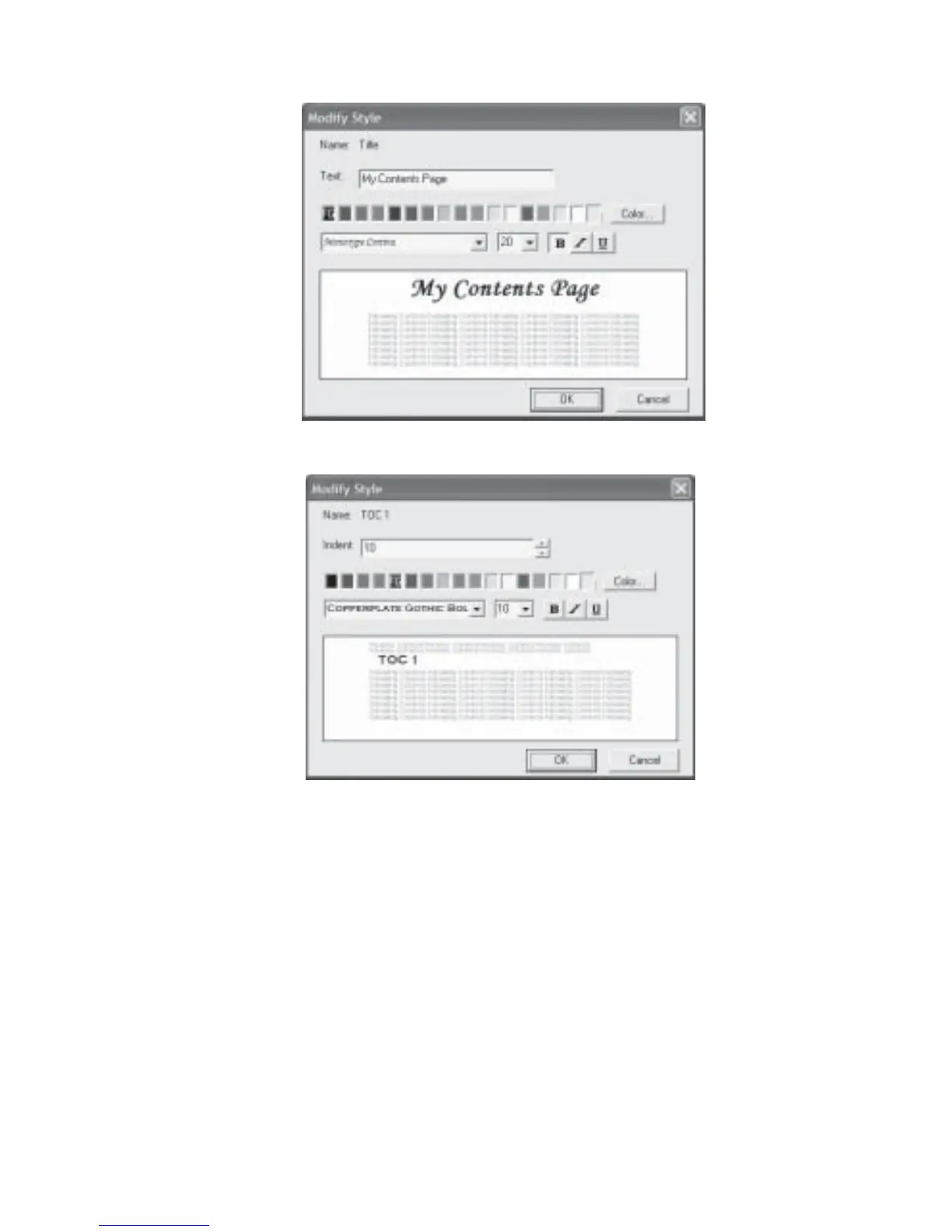
Fig 4.1.2 Customize Contents - Modify Style Dialog Box
Fig 4.1.3 Customize Contents - Modify Style Dialog Box
Customizing Index Page
You can customize the Index Page to make it more presentable and useful.
1. At the Index Page, click Edit on the menu bar and select Customize Index....
Alternatively right click on the Index Page and select Customize Index....
2. The Style dialog box will be displayed (Fig 4.1.4).
3. To change the Index Title of the page, select Title and click the Modify... button
(Fig 4.1.5).



 To Next Page