40
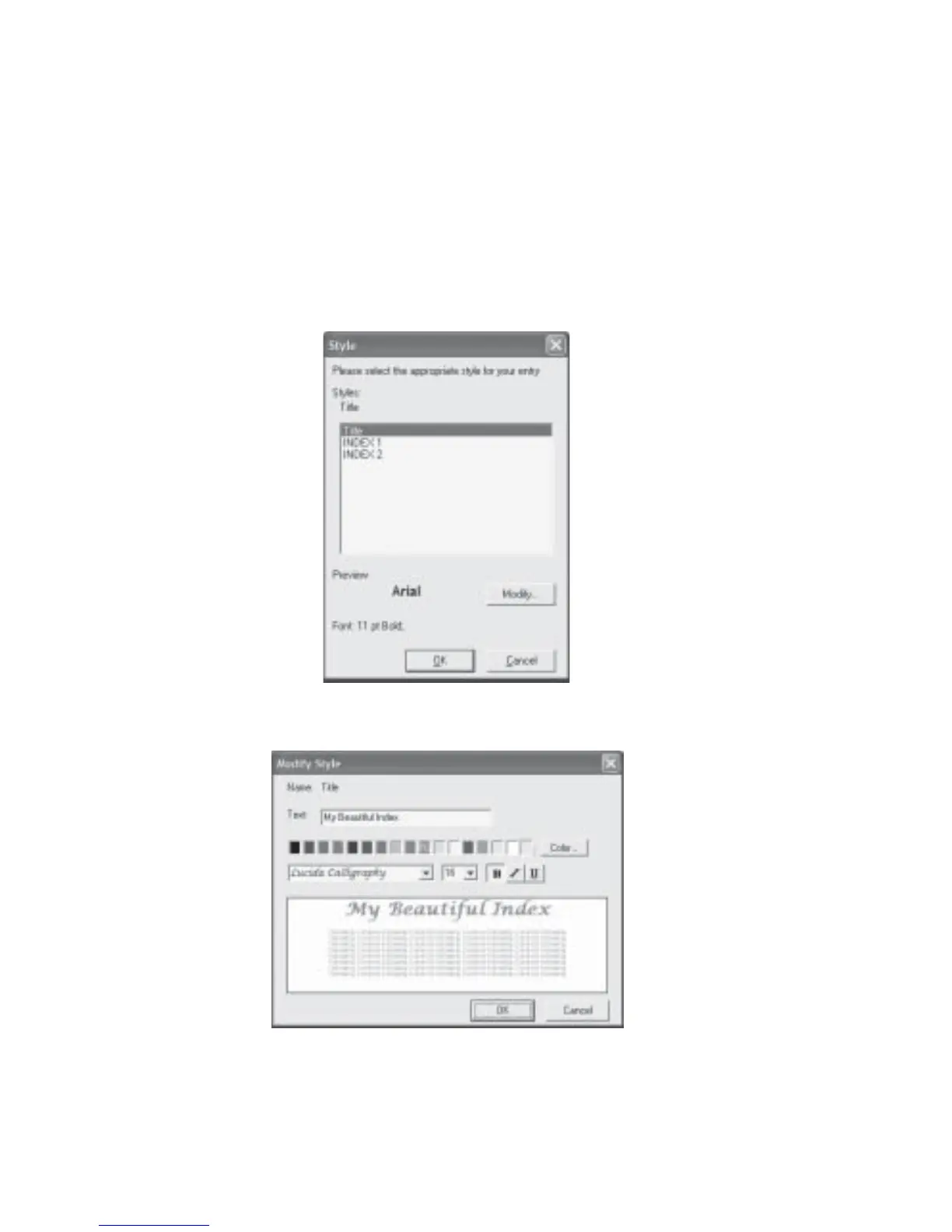
4. Change the title by editing the Text field. Select a color, font, size and style as desired
and click the OK button.
5. To change the individual Index item, select INDEX1 and click the Modify... button
(Fig 4.1.6).
6. To indent the INDEX1, click the Up arrow of the Indent field. Select a color, font, size
and style as desired and click the OK button.
7. To create another level for your INDEX, repeat the steps for INDEX2.
Fig 4.1.4 Customize Index - Style Dialog Box
Fig 4.1.5 Customize Index - Modify Style Dialog Box



 To Next Page