1750
Operators Manual
42
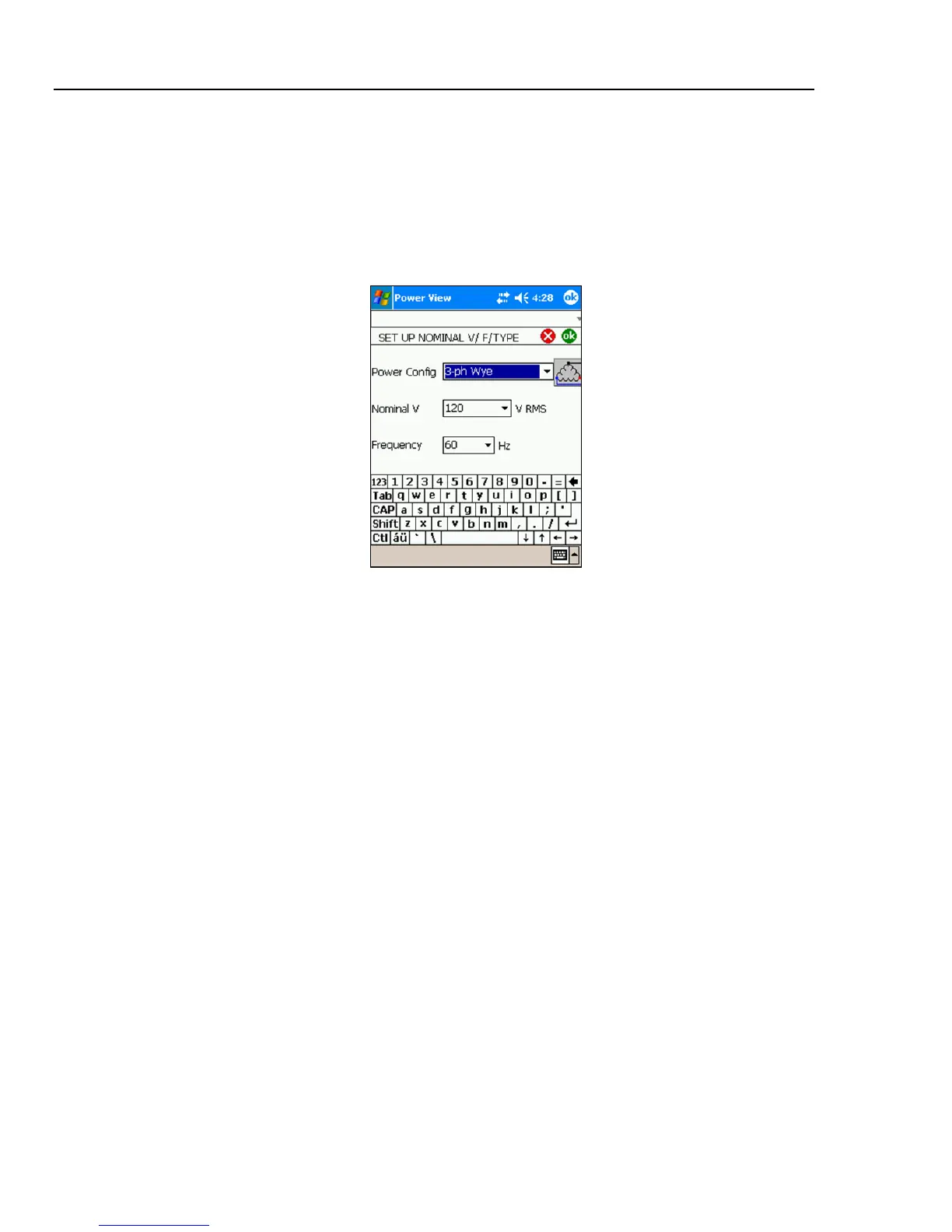
Configure Nominal Power Values
This window contains the setup for Power Config, Nominal Voltage, and Frequency. It is
important to correctly configure these values before the measurement as some
calculations are based on these settings and cannot be recalculated after the measurement
has been performed. Click on the 3-phase delta icon to display the wiring diagram of the
selected topology. The list box of nominal voltage levels contains commonly used
voltage levels. Different voltage levels may be entered if required.
Azd131.bmp
Using Phase Swap
Rather than having to change the physical connections to the power system, use the Phase
Swap feature to make a software-selectable correction without physically switching the
cable. You can select from the following:
• Swap any voltage input
• Swap any current input
• Invert any current input clamp
The screen shows check boxes to invert any current probe. Current probes are directional,
and selecting “invert” has the effect of removing the probe and turning it around.
If the power type is delta, V phases are AB, BC, and CA (L1L2, L2L3, L3L1 is available
as an optional setting). If the power type is Wye, V phases are AN, BN, CN, and NG. (N
= neutral, G = ground).



 To Next Page