Fluke 192/196/199
Users Manual
14
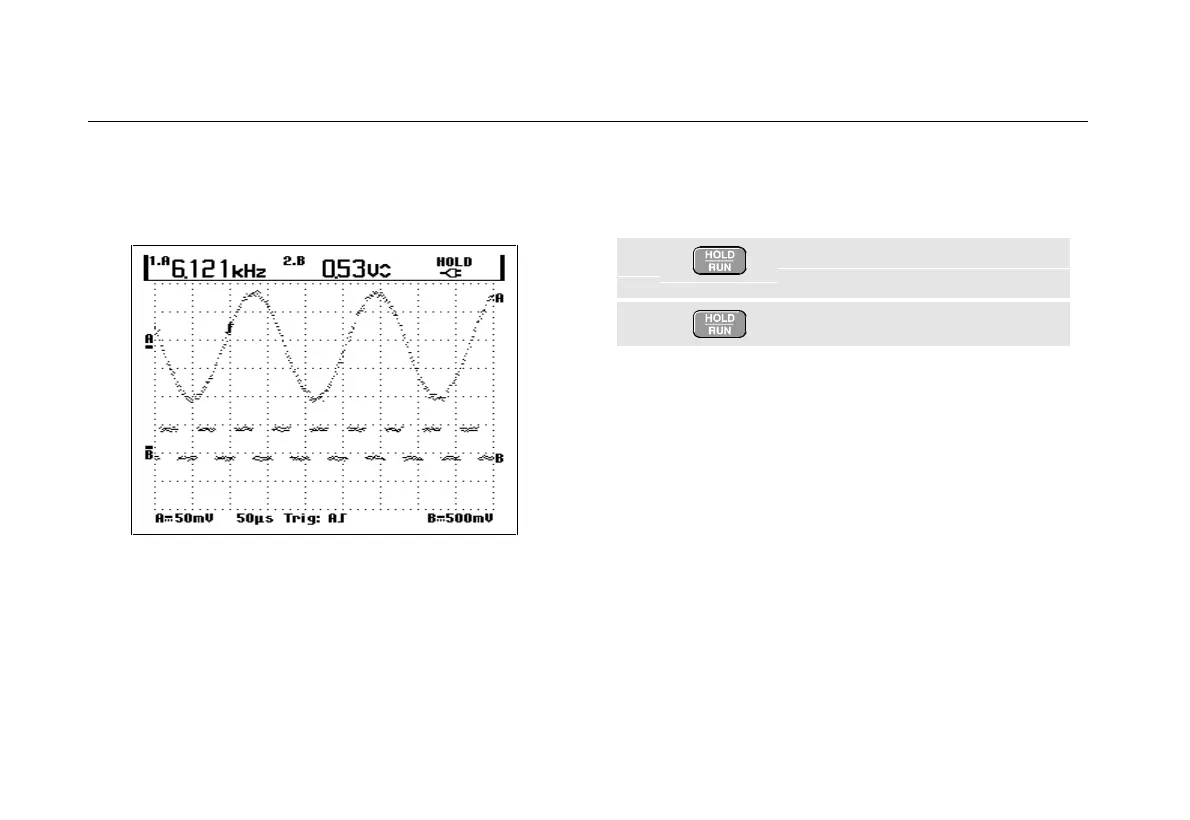
Figure 8 shows an example of the screen. Note that the
Peak-Peak reading for input B appears next to the input A
frequency reading at the top of the screen.
Figure 8. Hz and V peak-peak as Scope Readings
Freezing the Screen
You can freeze the screen (all readings and waveforms)
at any time.
1 Freeze the screen. HOLD appears
at the right of the reading area.
2 Resume your measurement.










 To Next Page