Fluke 192/196/199
Users Manual
50
Triggering on External Waveforms
Use external triggering when you want to display
waveforms on inputs A and B while triggering on a third
signal. You can choose external triggering with automatic
triggering or with edge triggering.
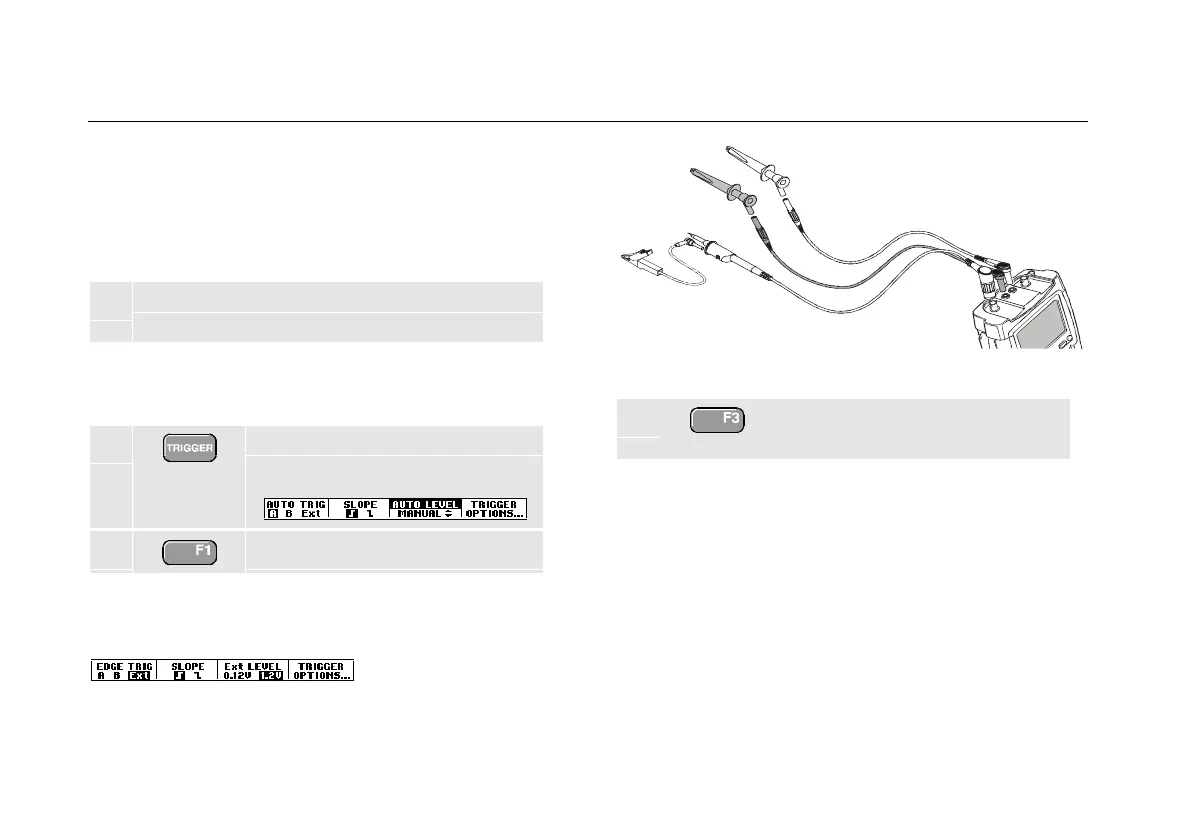
1 Supply a signal to the red and black 4-mm
banana jack inputs. See Figure 29.
In this example you continue from the Trigger on Edges
example. To choose the external signal as trigger source,
continue as follows:
2 Display the TRIGGER (On Edges)
key labels.
3 Select Ext (external) edge trigger.
Observe that the key labels at the bottom of the screen
have been adapted to allow selection of two different
external trigger levels: 0.12 V and 1.2 V:
Figure 29. External Triggering
4 Select 1.2V under the Ext LEVEL
label.
From this point the trigger level is fixed and is compatible
with logic signals.










 To Next Page