27
Chapter 3
Using The Recorder Functions
About this Chapter
This chapter provides a step-by-step introduction to the
recorder functions of the test tool. The introduction gives
examples to show how to use the menus and perform
basic operations.
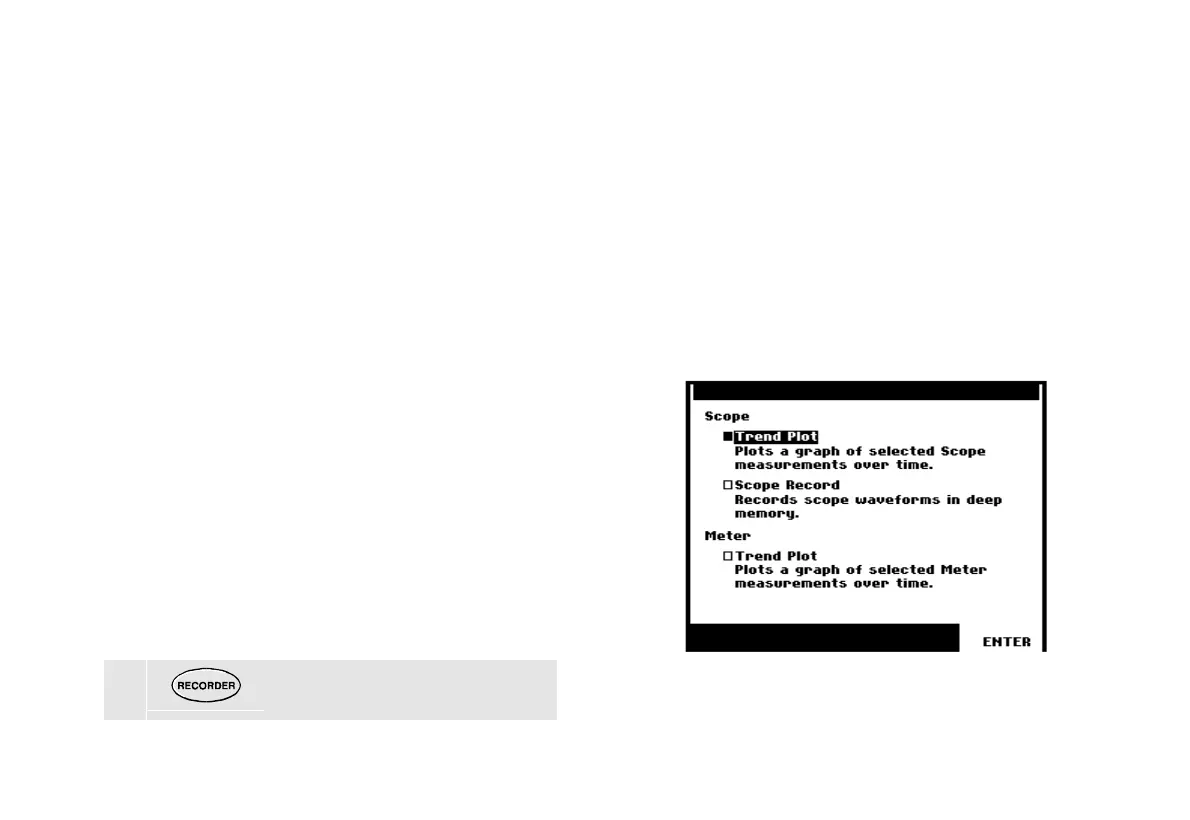
Opening the Recorder Main Menu
First choose a measurement in scope or meter mode.
Now you can choose the recorder functions from the
recorder main menu. To open the main menu, do the
following:
1 Open the RECORDER main menu.
(See Figure 16.)
Figure 16. Recorder Main Menu










 To Next Page