Using Memory, PC and Printer
Documenting Screens
6
61
Documenting Screens
With the FlukeView
®
software you can upload waveform
data and screen bitmaps to your PC or notebook
computer for further processing. Printing can also be
done by connecting the test tool directly to a printer.
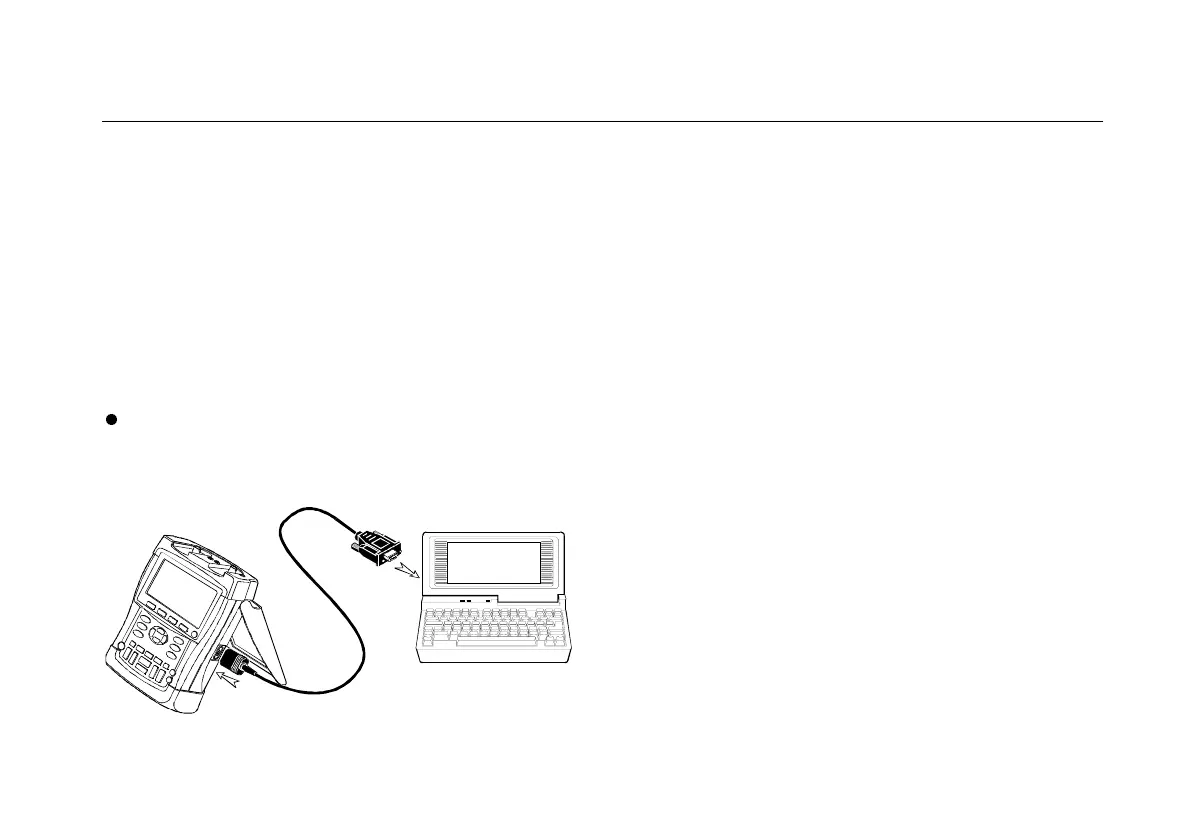
Connecting to a Computer
To connect the test tool to a PC or notebook computer
and use the FlukeView software for Windows
®
(SW90W),
do the following:
l
Use the Optically Isolated RS-232 Adapter/Cable
(PM9080) to connect a computer to the OPTICAL
PORT of the test tool. (See Figure 33.)
Figure 33. Connecting a Computer
Note
For information about installing and using the
FlukeView ScopeMeter software, see the
SW90W Users Manual.
A Software & Cable Carrying Case Kit is optionally
available as model number SCC190.










 To Next Page