Fluke 192/196/199
Users Manual
34
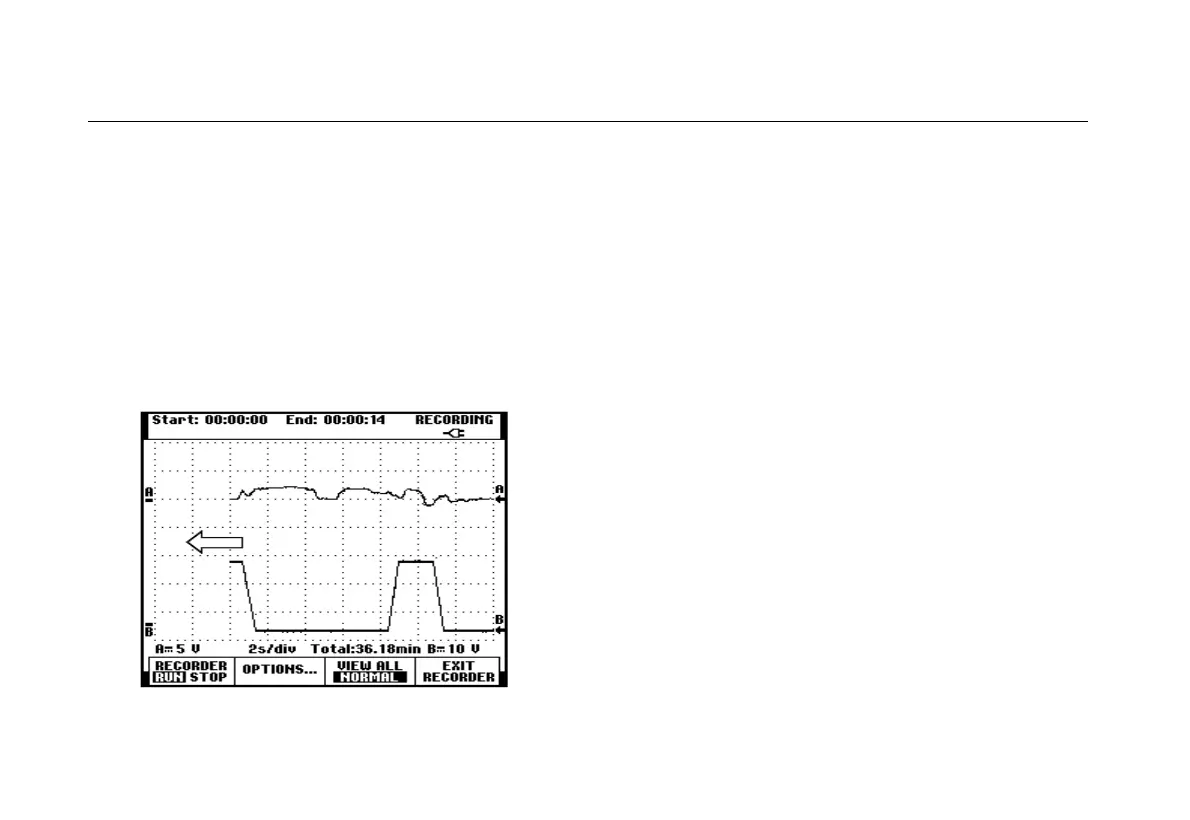
The test tool starts recording after receiving the start
signal. All samples are continuously saved in deep
memory until the memory is full. The last nine recorded
divisions are displayed on the screen. Use View All to
display the full memory contents.
Note
To learn more about the Single Shot trigger
function, see Chapter 5 “Triggering on
Waveforms”.
Figure 20. Triggered Single Sweep Recording
Analyzing a TrendPlot or Scope Record
From a Scope TrendPlot or Scope Record you can use
the analysis functions CURSORS and ZOOM to perform
detailed waveform analysis. These functions are
described in Chapter 4: “Using Replay, Zoom and
Cursors”.










 To Next Page