Fluke 192/196/199
Users Manual
22
Making Multimeter Measurements
The screen displays the numeric readings of the
measurements on the meter input.
Measuring Resistance Values
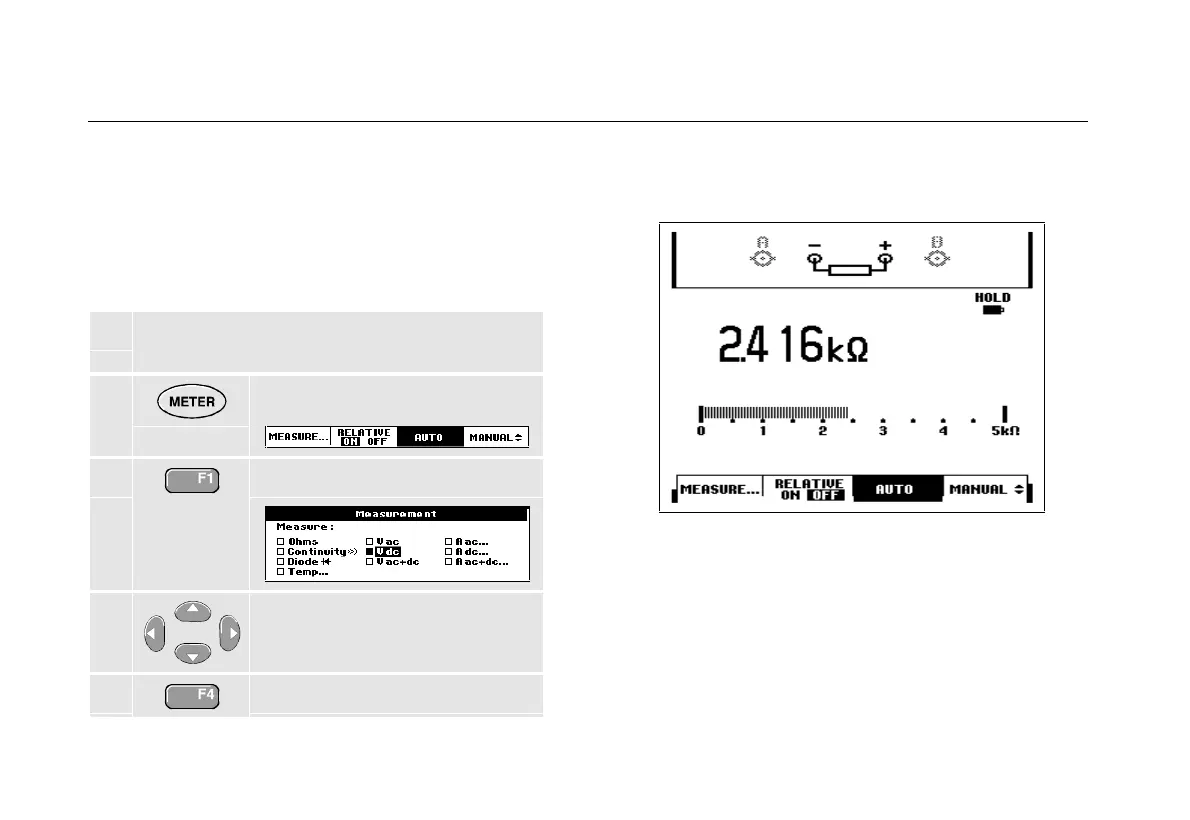
To measure a resistance, do the following:
1 Connect the red and black test leads from the
4-mm banana jack inputs to the resistor.
2
Display the METER key labels.
3
Open the Measurement menu.
4
Highlight Ohms.
5
Select Ohms measurement.
The resistor value is displayed in ohms. Observe also
that the bargraph is displayed. (See Figure 12.)
Figure 12. Resistor Value Readings










 To Next Page