Fluke 192/196/199
Users Manual
30
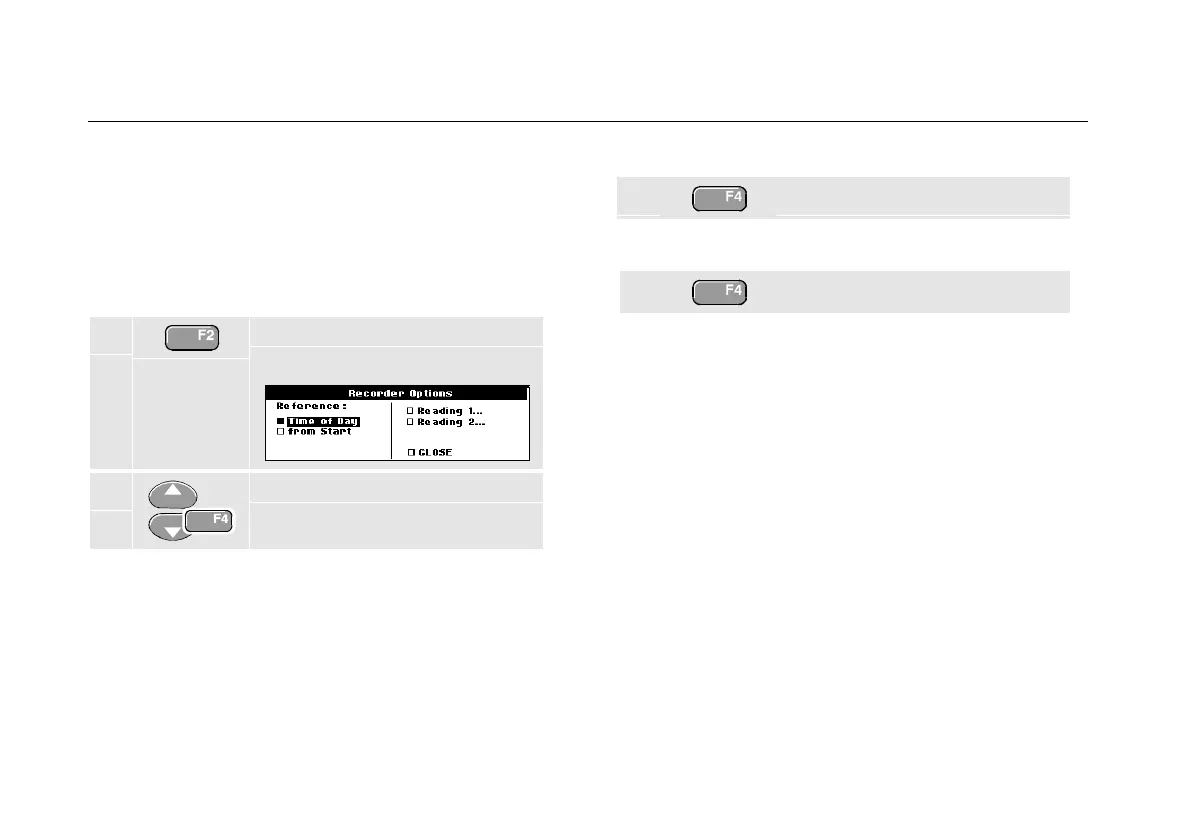
Changing the Recorder Options
At the right bottom of the display you can choose to
display the time elapsed from start and the actual time of
the day.
To change the time reference, proceed from step 6 as
follows:
7 Open the Recorder Options
menu.
8 Select Time of Day and jump to
the next field.
Now the recorded time and the current time appear at the
bottom of the screen.
The options Reading 1 and Reading 2 allow you to
select the scope readings to be recorded. (Or one meter
measurement when in TrendPlot meter mode.)
To continue without making further changes:
9 Close.
Turning Off the TrendPlot Display
10 Exit the recorder function.










 To Next Page