Fluke 192/196/199
Users Manual
54
To set the pulse width to 5 ms, do the following:
7 Enable the arrow keys to adjust
the pulse width.
8 Select 5 ms.
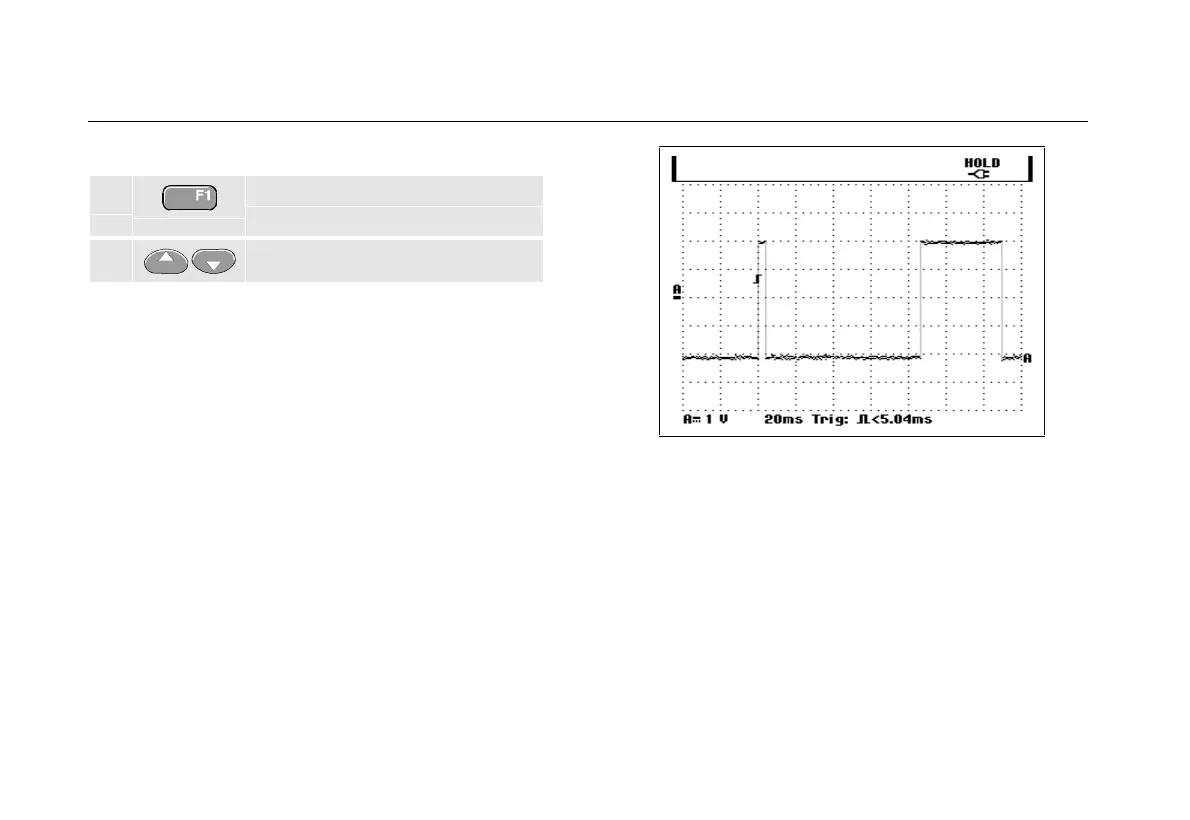
All narrow positive pulses shorter than 5 ms are now
displayed on the screen. (See Figure 31.)
Tip
The test tool stores all triggered screens in the
replay memory. For example, if you setup your
triggering for glitches, you can capture 100
glitches with time stamps. Use the
REPLAY key to
look at all the stored glitches.
Figure 31. Triggering on Narrow Glitches










 To Next Page