Using Memory, PC and Printer
Saving and Recalling
6
59
Deleting Screens with Associated Setups
To delete all screens and associated setups, continue
from step 2 of the previous example as follows:
3 Delete all saved screens and
setups.
To delete only one screen and setup, continue from step
2 of the previous example as follows:
3 Highlight SCREEN+SETUP location 5.
4 Delete the saved screen+setup of
memory location 5.
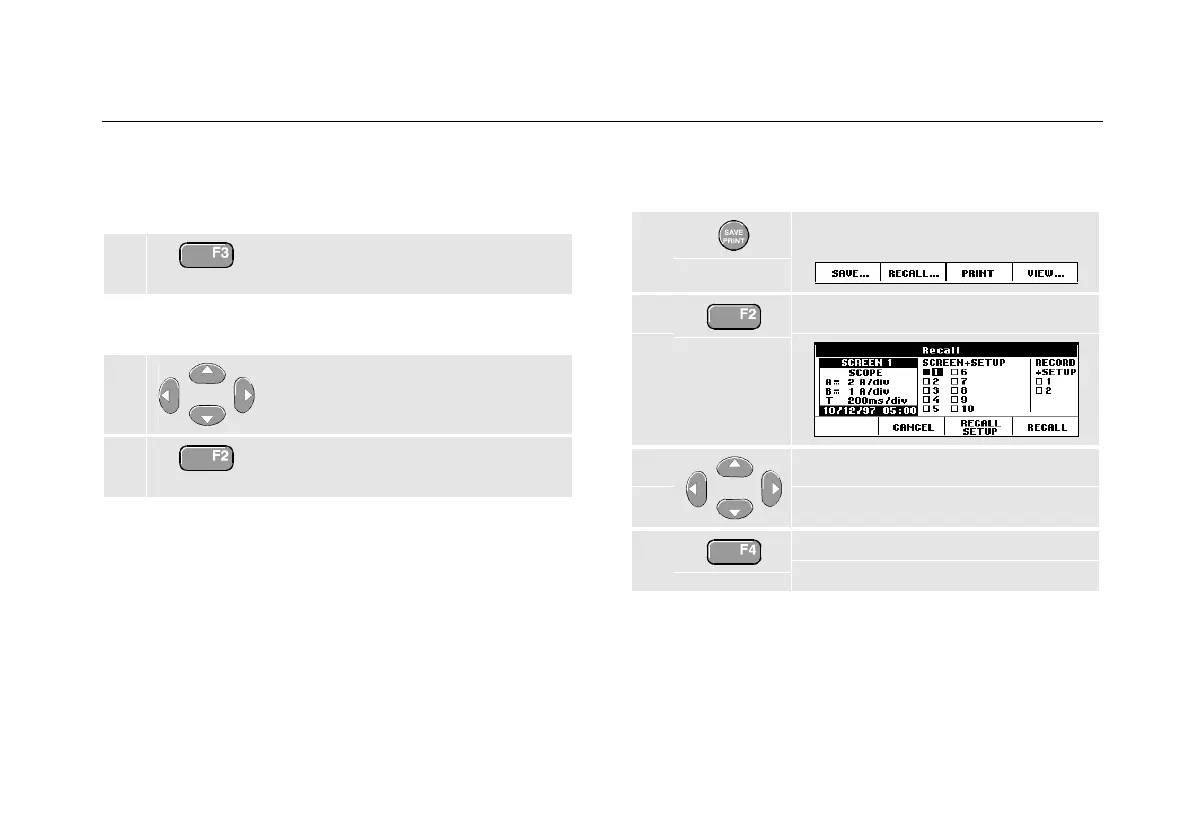
Recalling Screens with Associated Setups
To recall screen+setup 2, do the following:
1 Display the SAVE/PRINT key labels.
2 Open the Recall menu.
3 Highlight SCREEN+SETUP location 2.
4 Use RECALL to recall the saved
screen.
Observe that the recalled waveform is displayed and that
HOLD appears on the screen. From this point you can use
cursors and zoom for analysis or you can print the
recalled screen.










 To Next Page