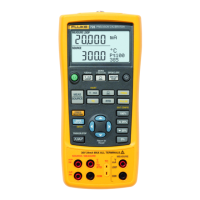
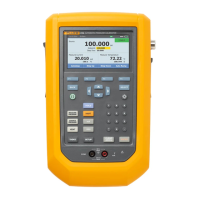
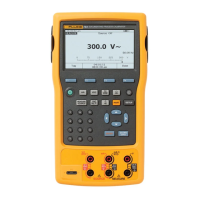
729/729FC
Users Manual
56
Temperature Measurement
To measure temperature with an RTD probe accessory,
connect the probe into the RTD port on the right of the
Product. Make sure the correct probe type is used. Use
Fluke-720RTD, PN 4366669 or the Fluke-720URTDA, PN
4382695.
The standard probe has a 10-inch insertion depth with a ¼-
inch diameter stainless steel sheath. See Figure 20.
Note
The factory default type is PT100-385 so if the
Product is used with the Fluke 720 RTD Probe (PN
4366669), it is not necessary to set the probe type.
Connect the probe to the Product and configure
the display to read temperature.
The display shows “OL” when the measured
temperature is outside the nominal measurement
range of the RTD function (below -40 °C or above
150 °C).
idj015.eps
Figure 20. Temperature Probe Connection


 To Next Page