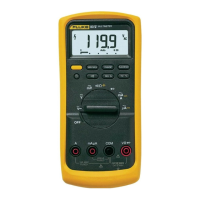
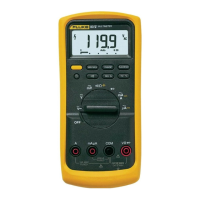
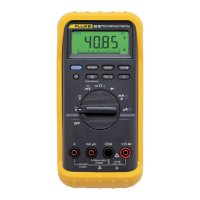
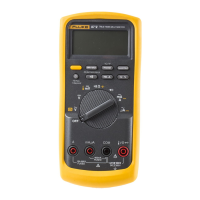
8062A
Instruction Manual
2-16
2000mA
A
A
COMMON
V Ω S
V
Ω
S
200mA
200
200k
200µA
DC
AC
200mV
200Ω
20mA
20
20k
2mA
2
2k
1000 DC
750 AC
MΩ
REL
1000V DC
750V AC
MAX
2A MAX
500V MAX
!
!
Low (-)
Current (A)
High (+)
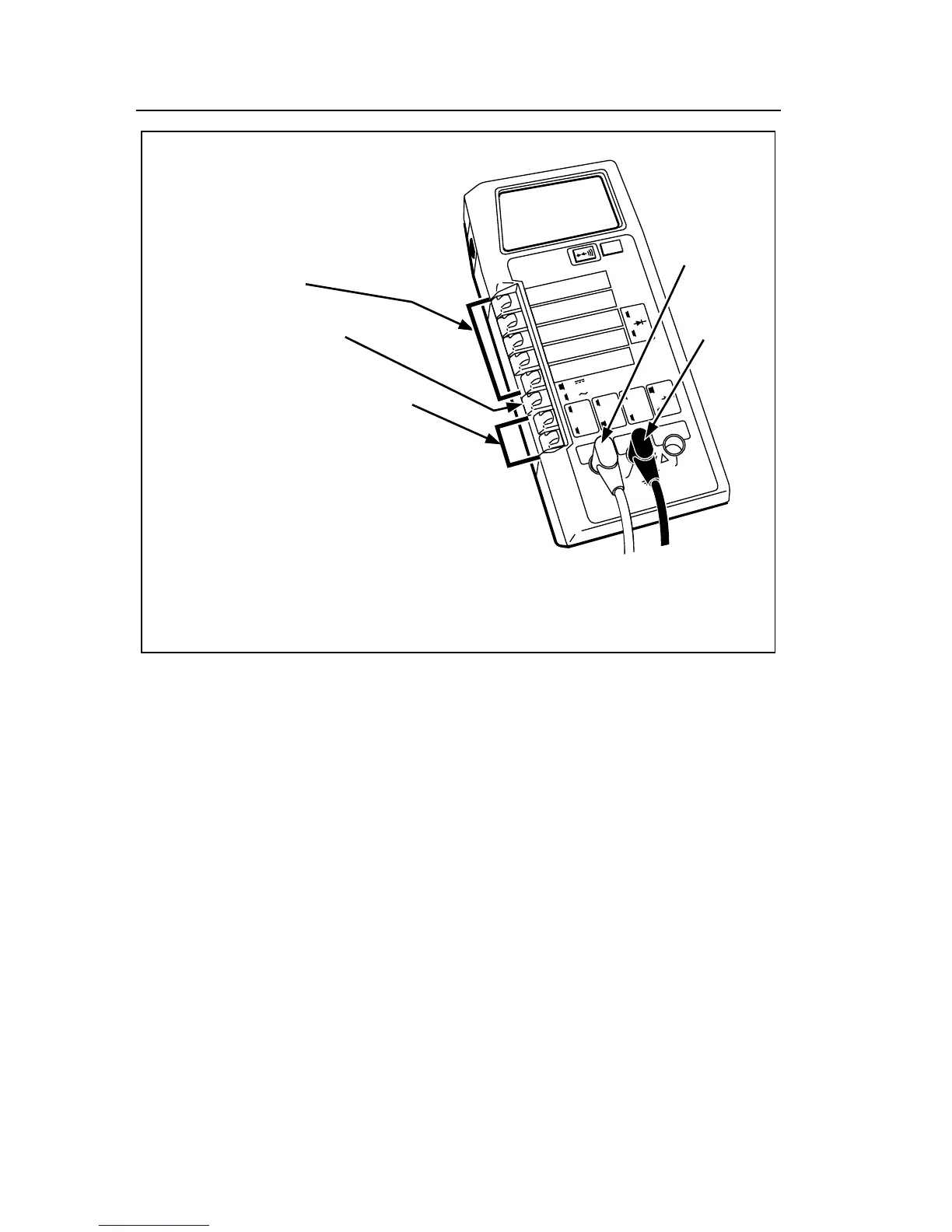
1. Select a range.
2. Set AC/DC switch out
for DC, in for AC.
3. Push both switches at the same
time to select current function.
4. Ensure all other switches are out.
5. Connect the test leads as shown.
6. Heed the input overload limits (Table 2-2)
and connect the test leads to the circuit being
measured.
7. Read the measured value on the display.
dy11f.eps
Figure 2-10. Current Operation



 To Next Page