Maintenance
Troubleshooting
4
4-21
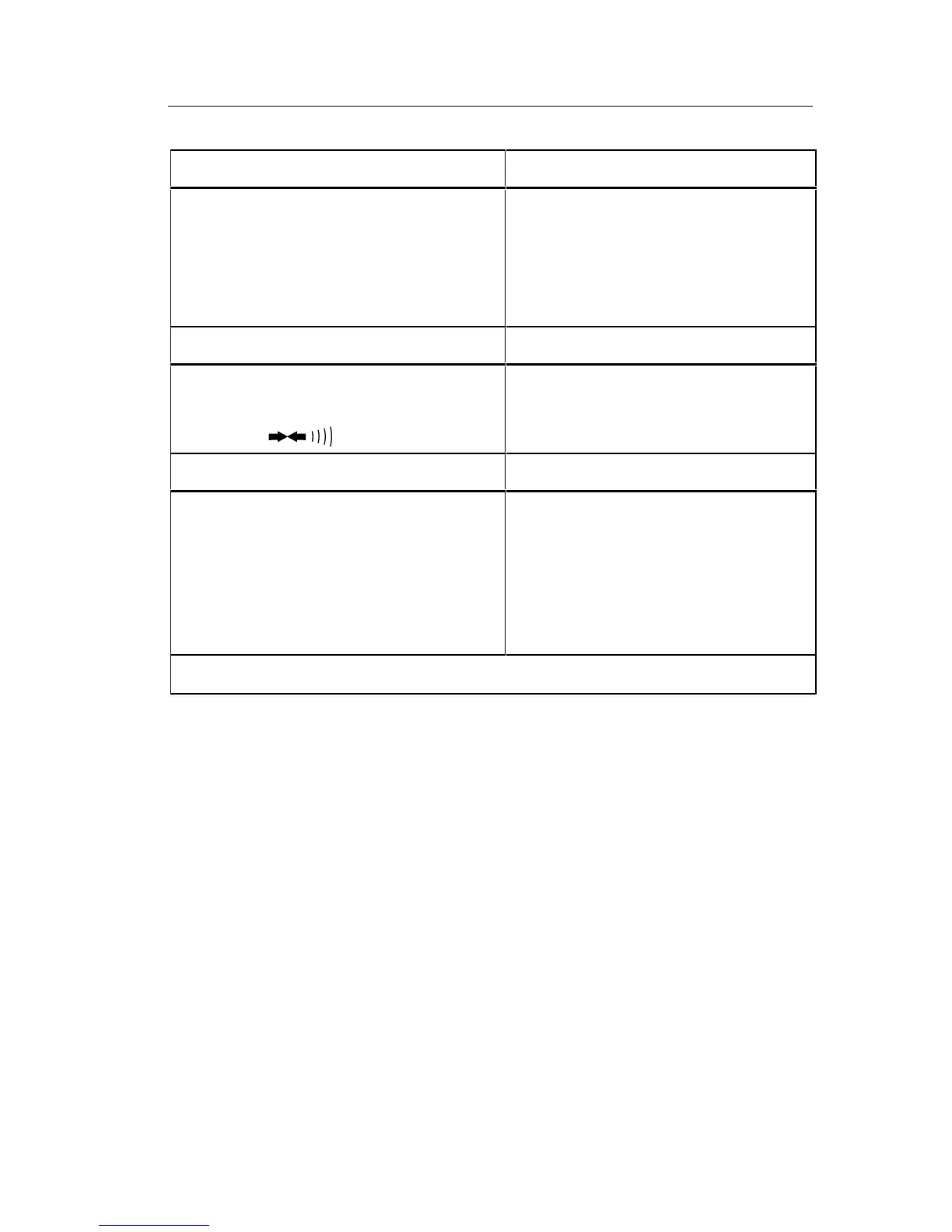
Table 4-5. Switch Decoding Self-Test
Range Display Digit 0*
200 (µA, mV or Ω)
2
20
200
2000
0 (default if no range selected)
1
2
3
4
Push Button Display Digit 1*
none
REL
0
1
2
Function Display Digit 3*
AC Voltage
DC Voltage
AC Current
DC Current
Resistance
Diode Test
1
2
3
4
5
7
*Display digits are numbered 0 through 4 from right (LSD ) to left (MSD).
4-24. Troubleshooting Guide
A troubleshooting guide is presented in Table 4-6. The guide is structured
around the performance tests presented earlier in this chapter. To use this
guide, complete the performance tests and note any discrepancies in
performance. Then locate the test, symptom, and possible cause of
malfunction in Table 4-6. When several possible causes of malfunction are
listed, they are listed in order beginning with the most probable to the least
probable. A section abut troubleshooting the power supply is also included.
The following troubleshooting techniques can be helpful:
•
When troubleshooting, remember to use the switch decoding self-test to
determine whether the microcomputer properly interprets the function
and range selection.
• Do not remove the main pcb from the bottom case unless you must do so
to gain electrical access to circuits. You can gain electrical access to
almost all of the input circuitry through the switch contact pins on the
top of the switch deck (refer to the schematic in Chapter 7).



 To Next Page