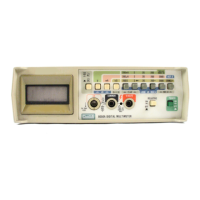
8062A
Instruction Manual
2-8
Table 2-1. Controls, Indicators and Connectors (cont)
Item
No.
Name Function
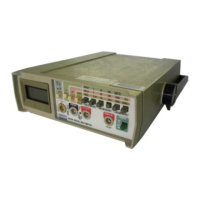
10 Tilt Bail A fold-out stand. The bail may also be
removed (press on one of the legs at the
hinge of the bail) and reinserted from the top
as a hook for hanging the instrument.
11 Power Switch Slide switch for turning instrument on or off.
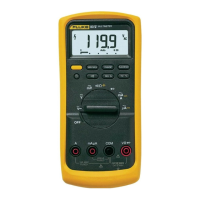
12 Display 4½ digit LCD display (19999 maximum) with
decimal point, minus sign, over-range,
continuity and relative indicators.
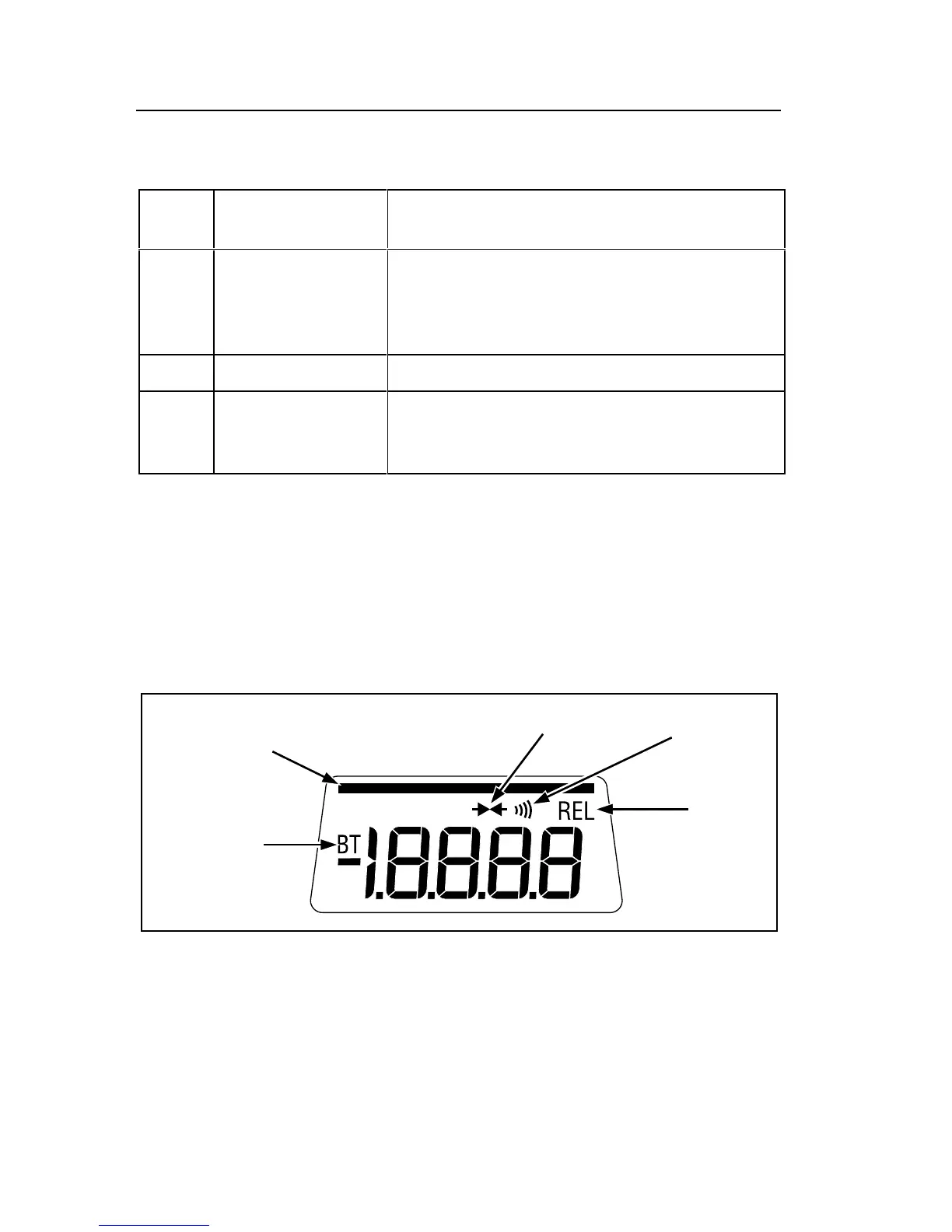
2-7. Display
The 8062A provides measurement results on the 4-1/2 digit LCD display
(refer to Figure 2-4 or your instrument). The decimal point is placed
automatically. Symbols in the upper portion of the display indicate when one
of the secondary functions is enabled. The measurement units are indicated
by the range switch that is pushed in. Leading zeroes not displayed.
Relative
Function
in Use
Audible
Continuity
Enabled
Visible Continuity
Enabled
Low Battery
Indicator
Continuity
Indicator
dy06f.eps
Figure 2-4. 8062A Display
If you are taking a measurement and the OL symbol appears on the display
(Figure 2-5), an overrange condition is indicated, meaning that the input is
higher than the range selected. You should select a higher range for the
measurement. The OL symbol does not necessarily mean that the instrument
is being exposed to a damaging input condition. For example, when
measuring resistance, an open input will cause OL to appear.



 To Next Page