8062A
Instruction Manual
2-26
2000mA
2000nS
A
A
COMMON
V Ω S
V
Ω
S
200mA
200
200k
200µA
DC
AC
200mV
200Ω
20mA
20
20k
2mA
2
2k
1000 DC
750 AC
MΩ
REL
1000V DC
750V AC
MAX
2A MAX
500V MAX
!
!
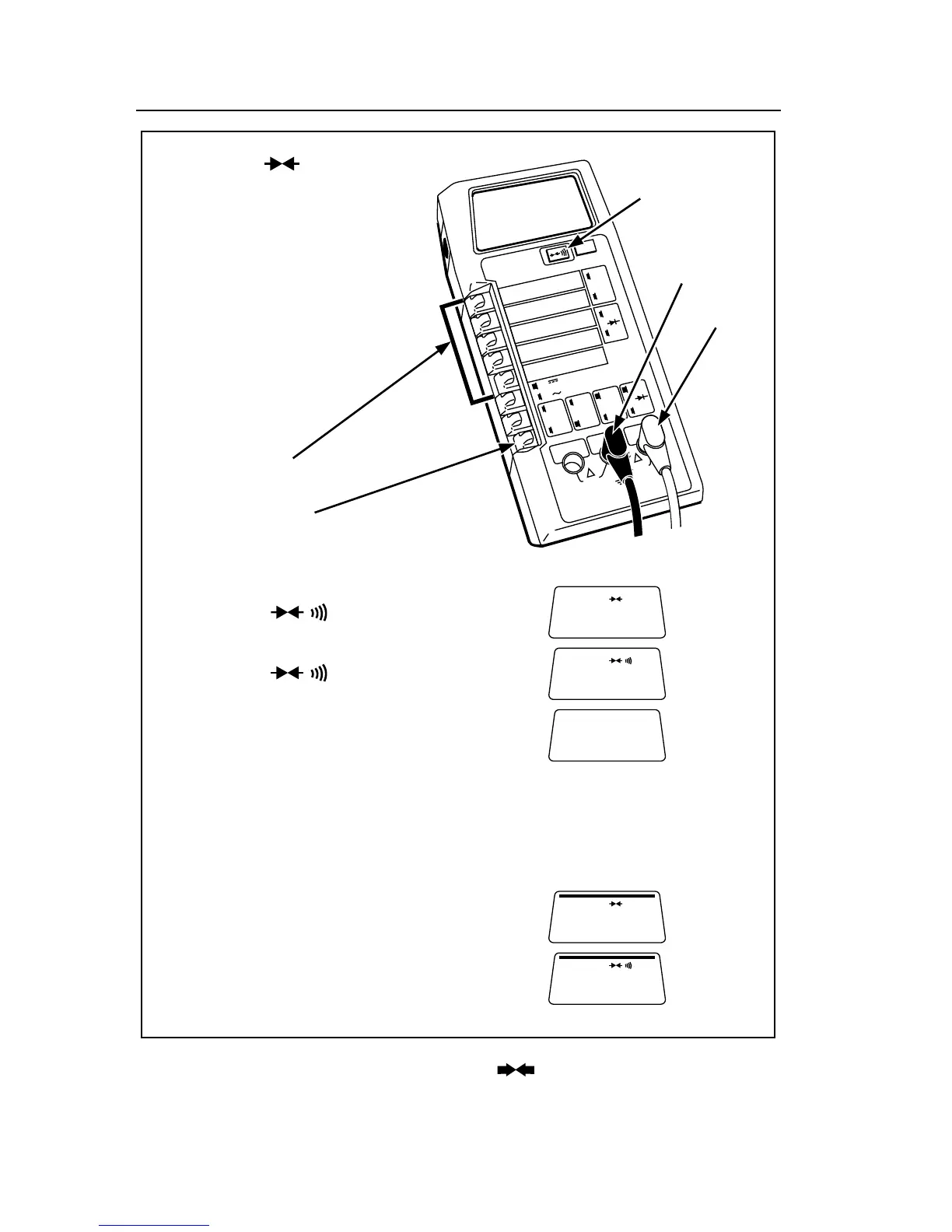
Continuity ( )
Continuity
Button
Low (-)
High (+)
BEEEEP
1. Select range.
2. Set switch in
for resistance function.
3. Ensure that other switches are out.
4. Press the button once to enable
visible continuity:
Press the button again to enable
audible continuity:
(Press again to disable both):
5. Connect the test leads as shown.
6. Ensure that the device being measured
contains no electrical energy. Heed the input
overload limits (Table 2-2), and connect the
test leads to the circuit.
7. Observe the display for visible continuity
indicated by the bar.
Or listen for tone indicating audible continuity.
dy21f.eps
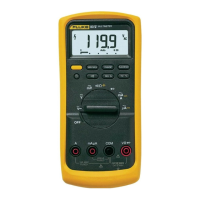
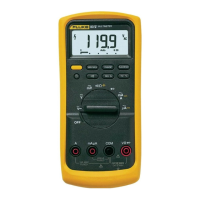
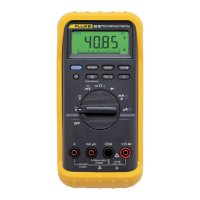
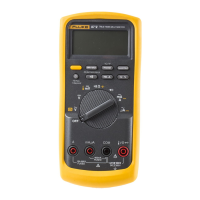
Figure 2-16. Continuity ( ) Operation



 To Next Page