l (1) Power key – used to switch the rugged device on.
Press and hold down the power key until the device turns on.
l (2) Front camera
l (3) Ambient light sensor
l (4) Volume down button (refer to 'Note' below)
l (5)Strap (on either side of the device)
l (6)Rear camera
l (7)LEDflash
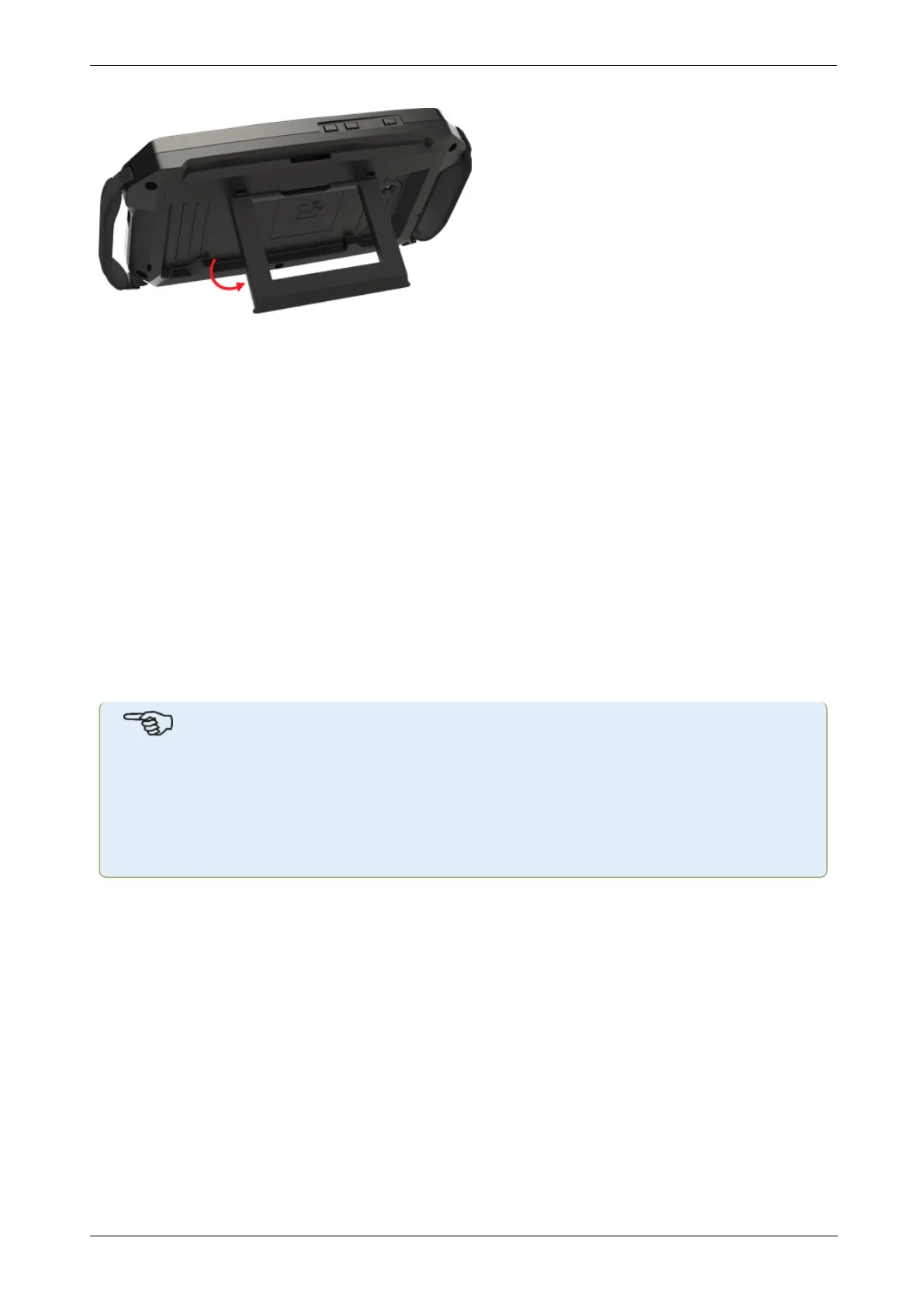
l (8)Foldable stand – used to hang device from a railing or lay it down in perfect viewing
position
l (9)Location of Near Field Communication (NFC) antenna
l (10)Protective bumper
l (11)USB type C multipurpose connector – used to charge the rugged device or connect
the tablet to auxiliary equipment such as a PC
l (12)Magnetic strap – used to hang device on any magnetic surfaces
Note
The only application running on this rugged device is Shaft Alignment; and it runs in land-
scape mode only. Additional apps cannot be installed in this dedicated device.
Screenshots may be captured on the device by pressing keys 1 and 4 simultaneously.
If the device freezes or is unresponsive, press and hold keys 1 and 4 simultaneously for
more than 7 seconds to restart device.
The rugged device is operated by tapping and swiping its touch screen. It is turned on by press-
ing and holding down the power key (1).
The device is turned off by pressing and holding down the power key (1). Two hints appear on
the display.
10 Version:2.3
On-board help



 To Next Page