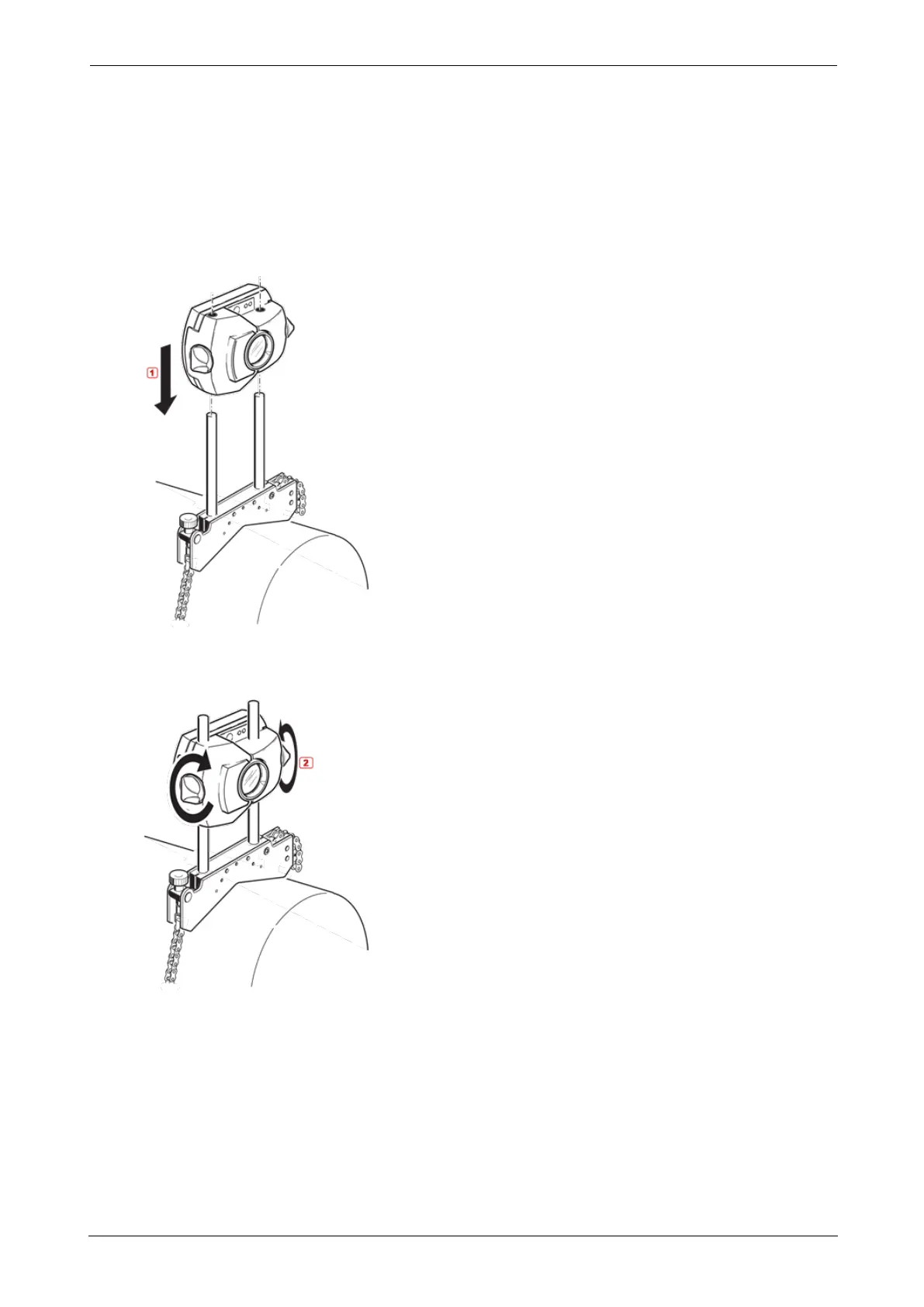
Mounting sensor and reflector
Mount sensor
l Mount the sensor on the support posts of the bracket fixed on the shaft of the left
machine (usually stationary machine) – as viewed from normal working position. Ensure
that its yellow knobs are loosened enough to let you slide the housing onto the support
posts. Note the orientation of the sensor. The micro USB port must be at the top.
l Clamp the sensor onto the support posts by tightening the yellow knobs. Ensure that the
laser beam can pass over or through the coupling and is not blocked.
Take care not to overtighten the yellow locking knobs.
Mount reflector
l Mount the reflector on the support posts of the bracket fixed on the shaft of the right
machine (usually moveable machine) – as viewed from normal working position.
SHAFTALIGNtouch 31
On-board help



 To Next Page