Note
Follow all the update instructions carefully, and confirm all requested installations.
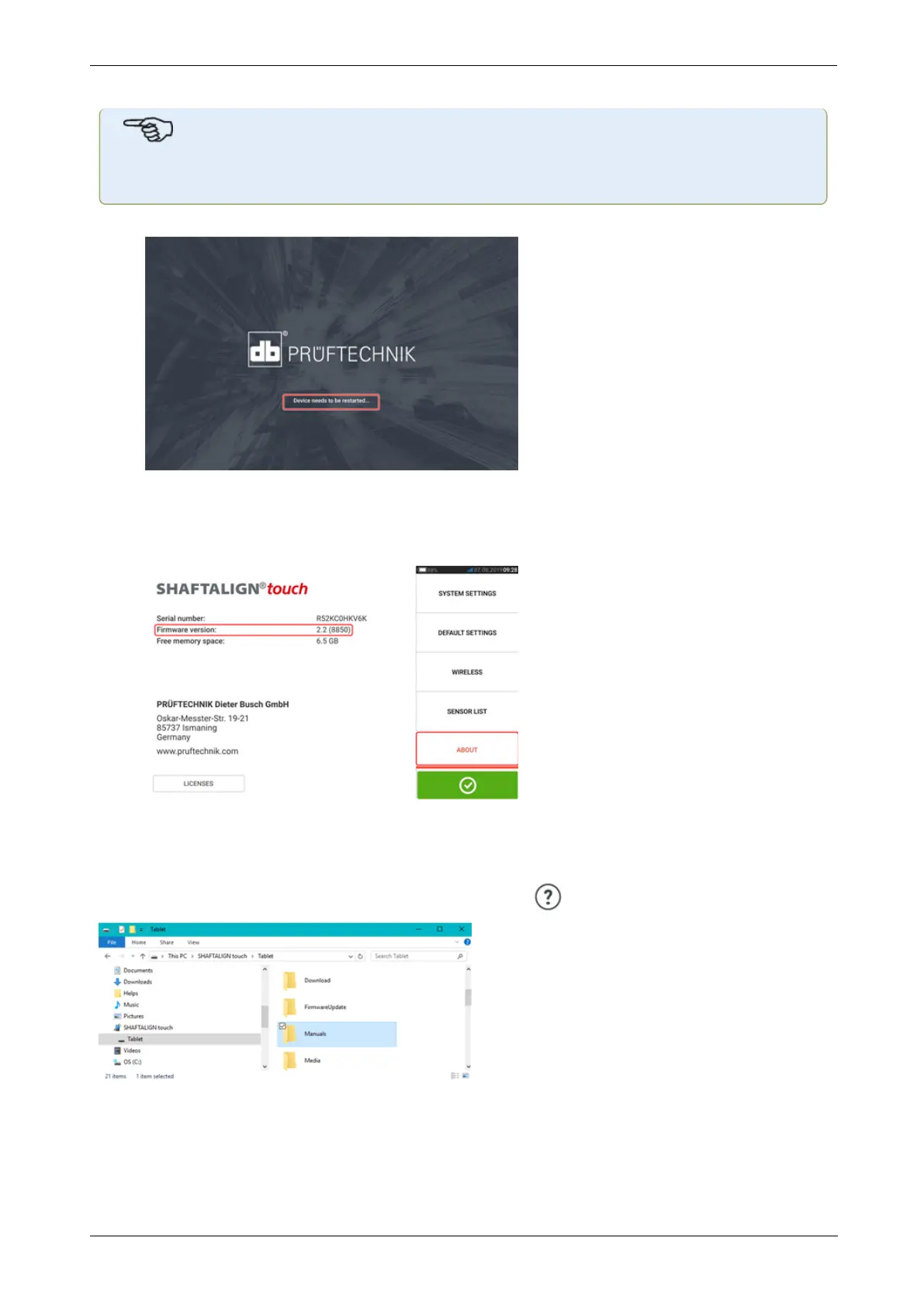
l Once the update is completed, a hint to restart the tablet device appears.
l Press and hold down the power key briefly. "Power off" and "Restart" icons appear on
the display.
l Tap "Restart". The update is now completed and may be checked and confirmed in the
"about" menu item in configuration after the restart.
Documentation
The content in this document is available also on the rugged device as context sensitive help
and may be accessed by tapping the question mark icon wherever it is available.
120 Version:2.3
On-board help



 To Next Page