l
(2) Tapping opens the home screen.
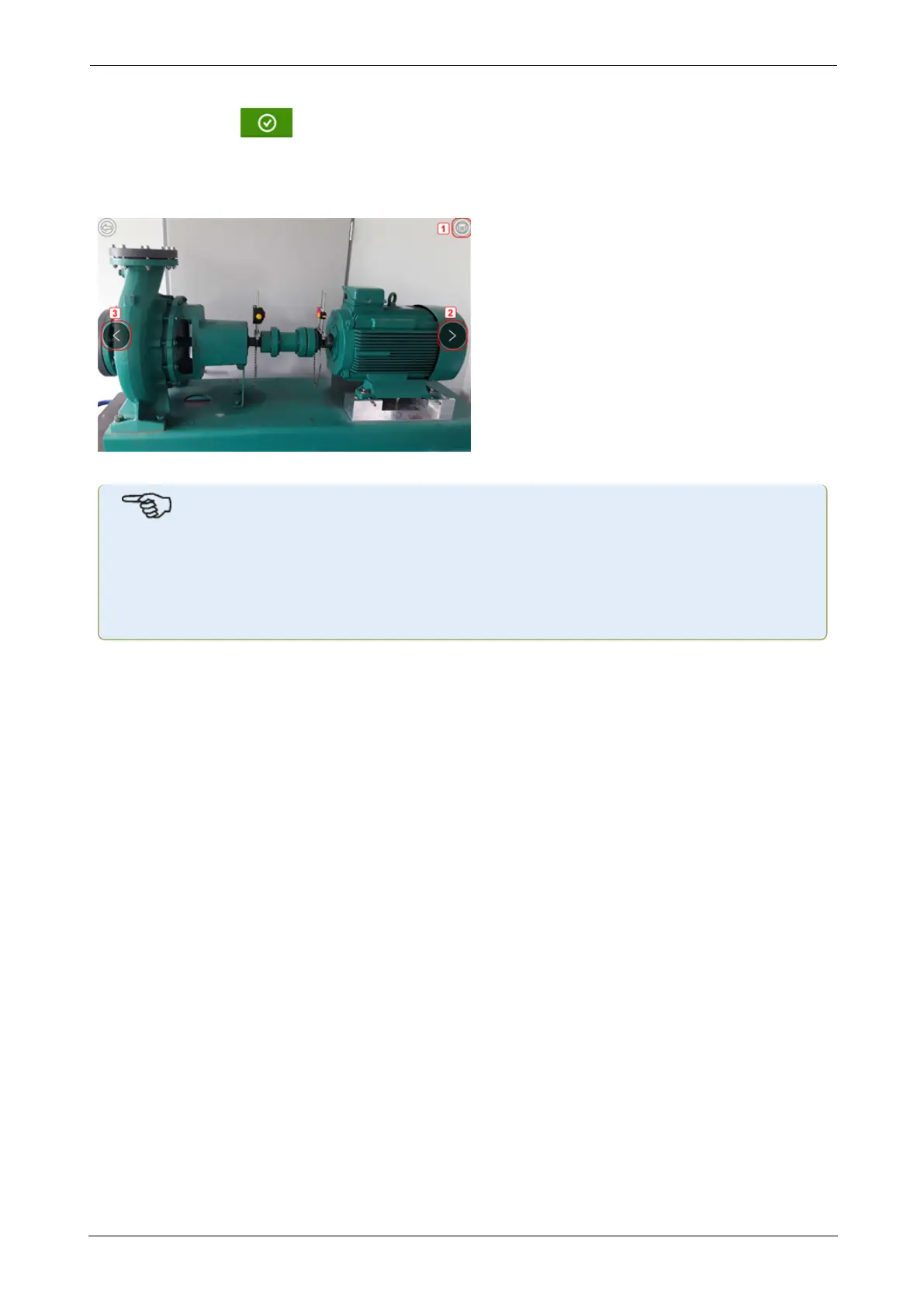
l (3) Tap any miniature to view the image in full scale.
Images may be deleted from the gallery by tapping the desired image. This appears in full
scale and may then be deleted by tapping the trash icon (1).
The images in the gallery may be scrolled by using the arrow icons 2/3.
Note
Images saved to the gallery may only be transferred to a PC if assigned to an asset.
Before taking the desired photo or screenshot the corresponding new or existing asset
must be opened. The captured image may then be transferred to the PCsoftware ARC
4.0.
SHAFTALIGNtouch 25
On-board help



 To Next Page