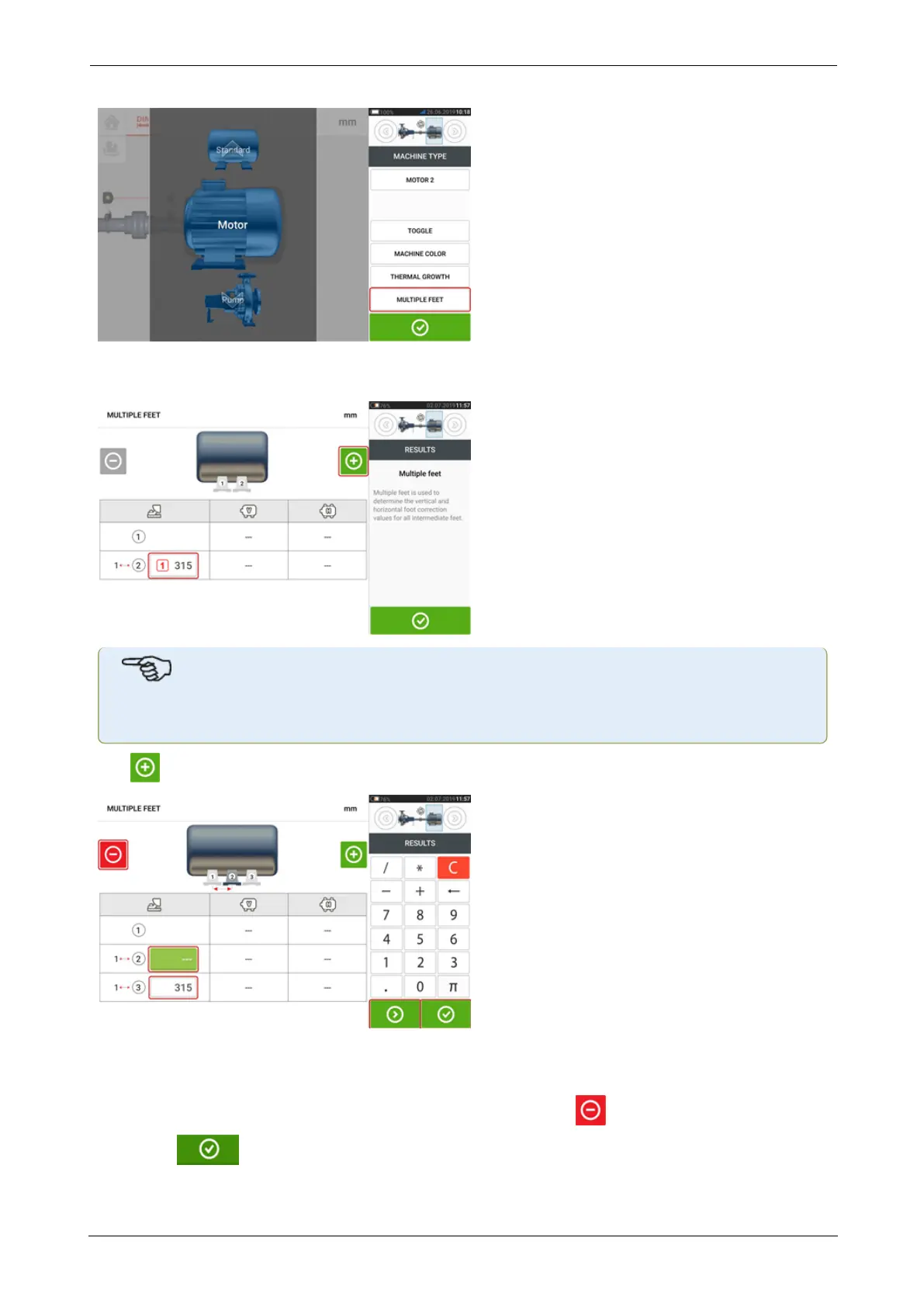
If already entered, the 'Multiple feet' screen will show the dimension between the front feet
and the back feet [1].
Note
The intermediate machine feet are not displayed in the dimension screen.
Tap to add any intermediate feet.
l The intermediate feet pair is added after the front feet.
l Enter this dimension in the row that appears.
l
If desired, intermediate feet may be deleted by tapping .
l
Tap to exit the 'Multiple feet' screen.
SHAFTALIGNtouch 39
On-board help



 To Next Page