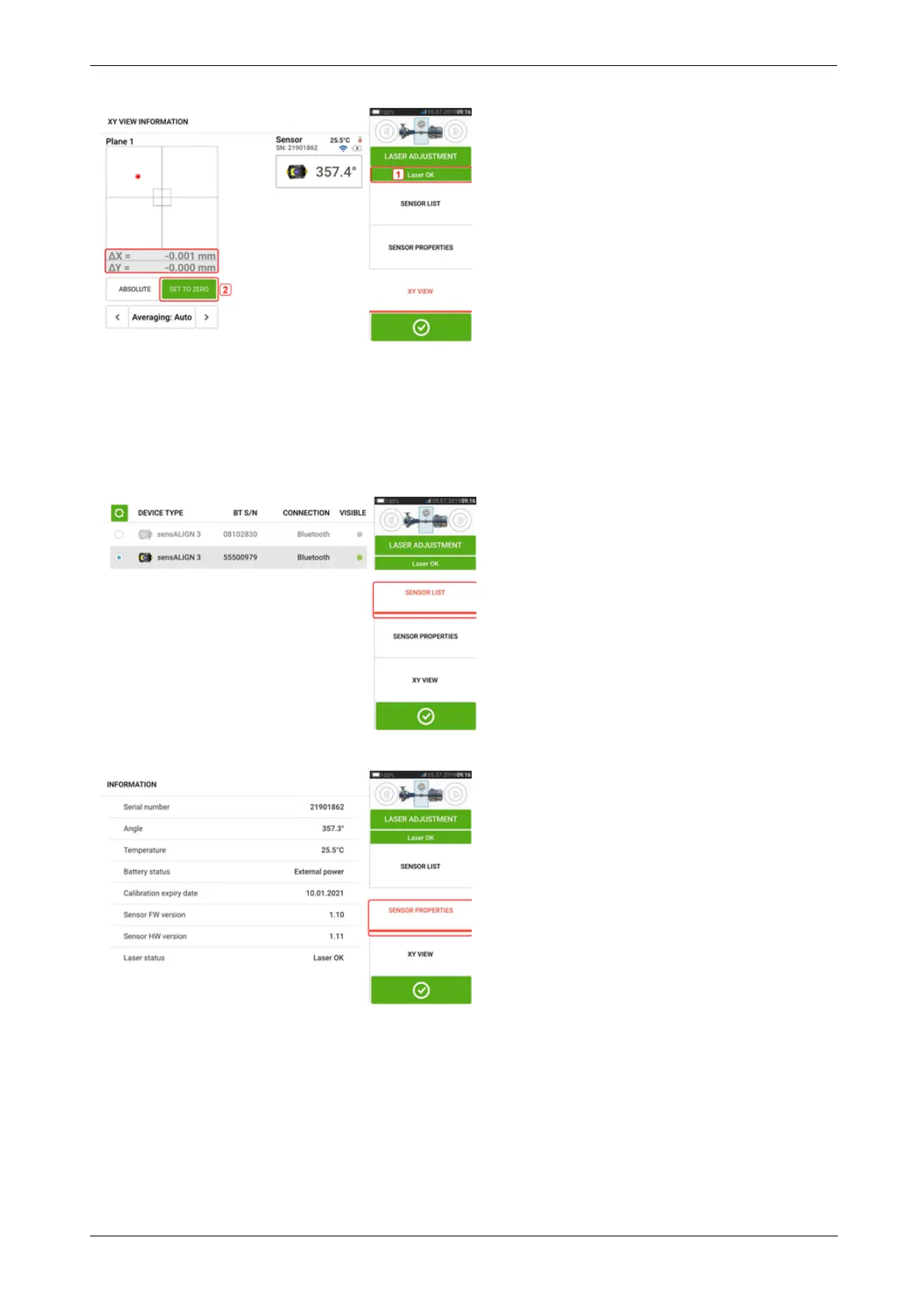
If the laser beam status is "OK" or "Centered" [1] tap "Set to zero" [2] to set the current laser
dot position as 0,0. The rX,rY values are then monitored to check the stability of the values.
Tap "Absolute" to return to the absolute values.
Note that the menu items on the screen may be used to display following items:
Sensor list – displays serial number of sensors detected or previously used, as well as type of
connection used for communication.
Sensor properties – displays detailed information of the sensor unit in use
54 Version:2.3
On-board help



 To Next Page