l
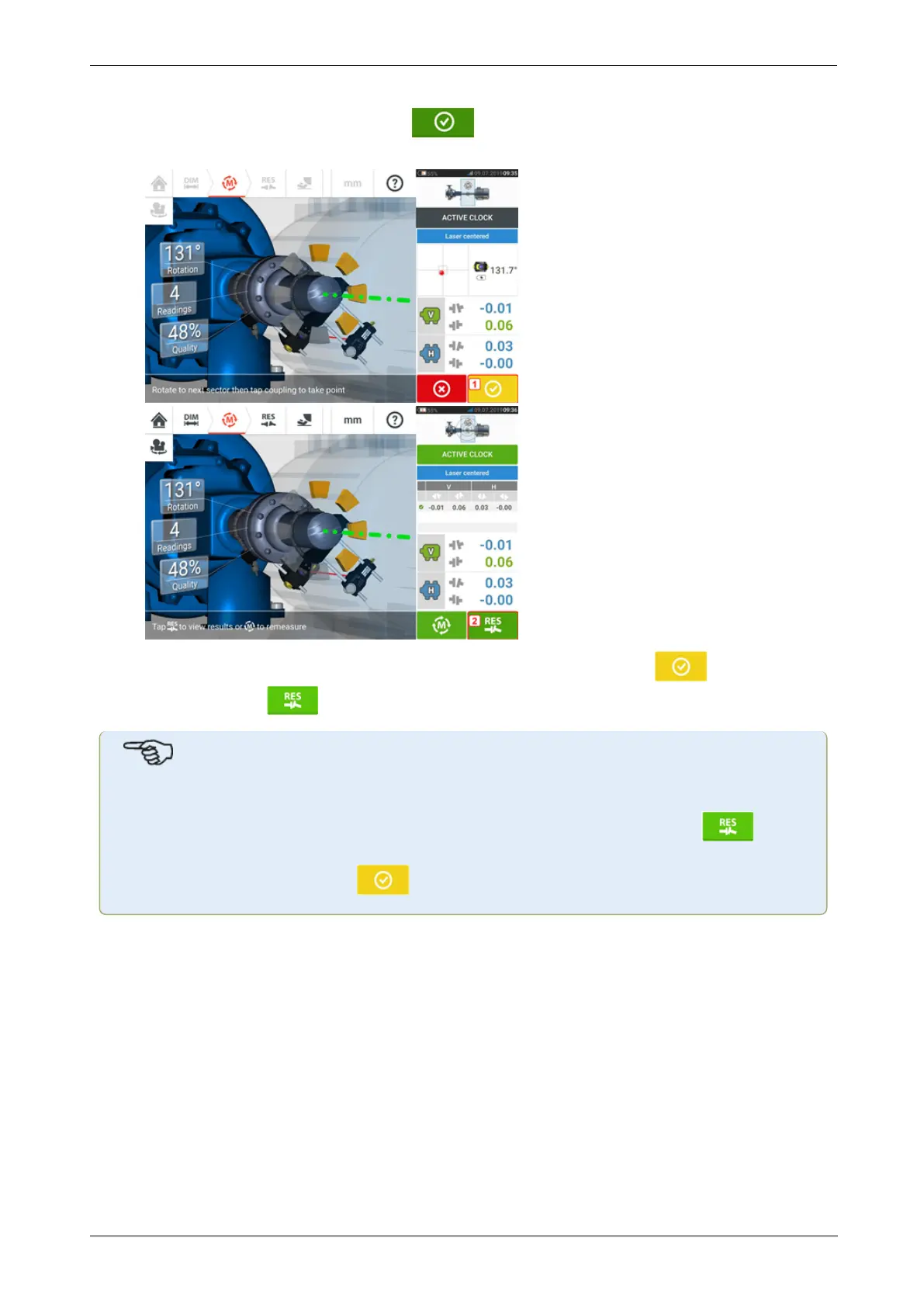
With the laser beam centered, tap then continue with measurement by rotating
the shafts further.
l
After rotating the shafts through as wide an angle as possible, tap (1) to proceed
to results, then (2) to view results.
Note
If taking measurements using the Active Clock mode, it is recommended to take all set
active measurement points. Once all set points are taken, the results icon [ ]
appears automatically once measurement is stopped.
The color of the proceed icon [ ] depends on the attained measurement quality.
66 Version:2.3
On-board help



 To Next Page